
VeridiumID
Secure accounts with biometric authentication
VERIDIUM IP LIMITED
iPhone Screenshots


Description
Secure online accounts with biometric authentication and one-time passcodes. Manage access across multiple apps. Enable two-step verification using a QR code or manual entry. Add biometrics for login and OTP for additional security.
Protect your personal, school, or work online accounts with Veridium MFA using biometrics.
Use VeridiumID Authenticator multi-factor authentication (MFA) to protect your online accounts. You can use VeridiumID Authenticator to manage access across multiple apps for your personal or professional use. Add biometrics and One-Time Passcodes (OTP) to secure your accounts with at least two factors.
It’s simple:
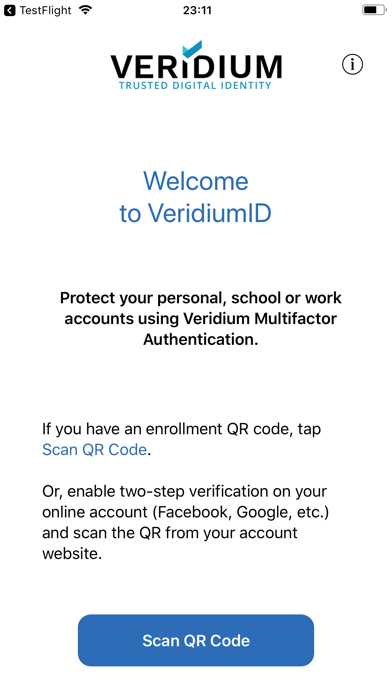
* If you have an enrollment QR code, tap Scan QR Code,
* Or, enable two-step verification on your online account (Dropbox, Facebook, Google, etc.). Scan the QR code from your account. Activate using an OTP generated by the VeridiumID Authenticator app.
Use biometrics for additional protection:
The power of biometrics is now accessible to everyone for protecting online accounts.
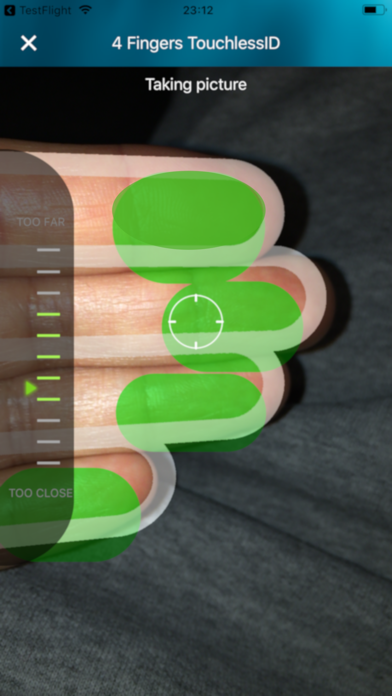
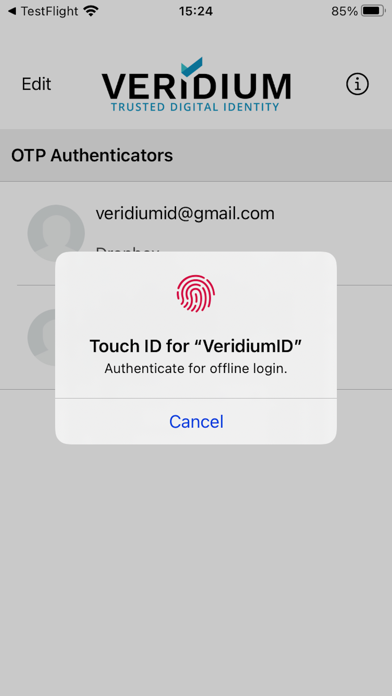
Turn on Touch ID, Face ID or Veridium’s 4 Fingers TouchlessID to use biometric authentication to further protect your accounts. Your OTP is displayed only after successful biometric authentication.
Factor in security to your online accounts today.