
Paxton Connect
Access systems remotely with biometrics
Paxton Access Ltd
iPhone Screenshots

Description
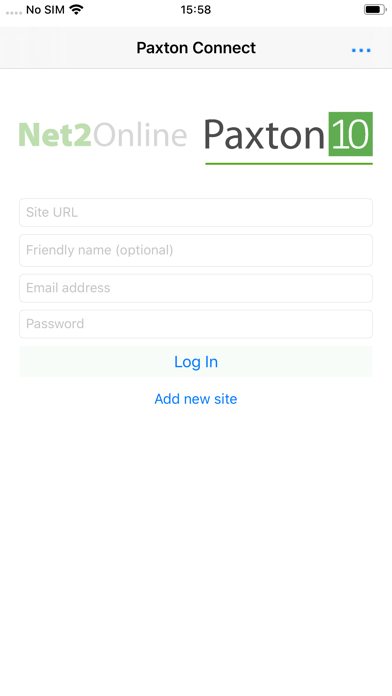
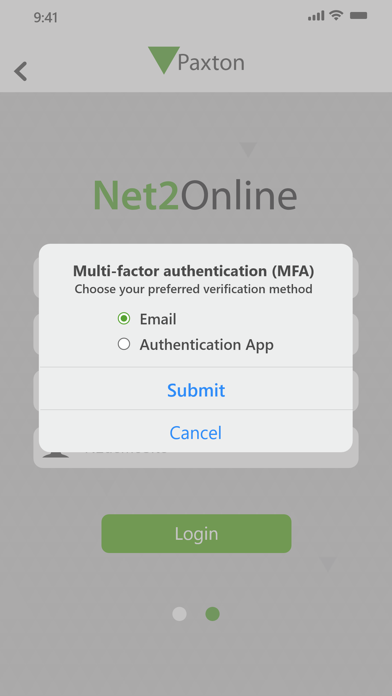
Access system features remotely by logging into Net2 or Paxton10 from any device. Switch between multiple sites using biometric authentication. View and manage user accounts, enroll tokens, and monitor live events.
Log into your Net2 or Paxton10 system from anywhere in the world using your smartphone or tablet. Switch between multiple sites quickly and easily with simple biometric identification. All key system features can be accessed from the Paxton Connect app. Administrators can view and edit features for which they have been granted prior permission.
Paxton systems currently supported
Net2 Pro
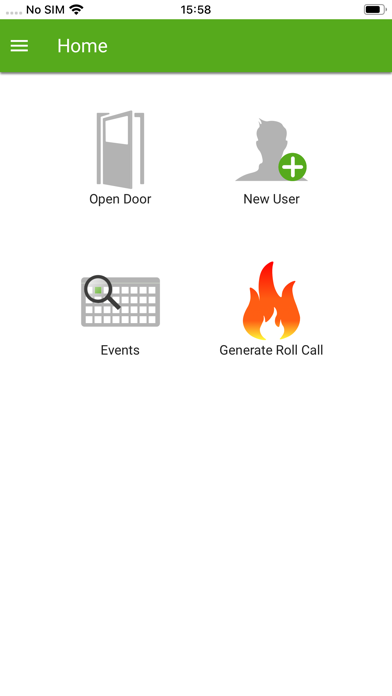
Log into your Net2 system and access:
• User creation and administration
• Token enrolment
• Live events and filtering
• Reports (read only)
• Roll call report generation
• Online and offline muster control
• Open door
Net2 Pro v6.00 or above is required. For full system administration, the Net2 desktop software is required.
Paxton10
Log into your Paxton10 system and access:
• User creation and administration
• Live events and filtering
• Reports
• Buildings and devices (read only)
• Roll call report generation
• Online muster control
• Control device
For full system administration, a desktop computer running the Chrome web browser should be used.