
Alpha Neuron - Documents
Navigate, share, and create PDFs
Franco Swarts
iPhone Screenshots





Description
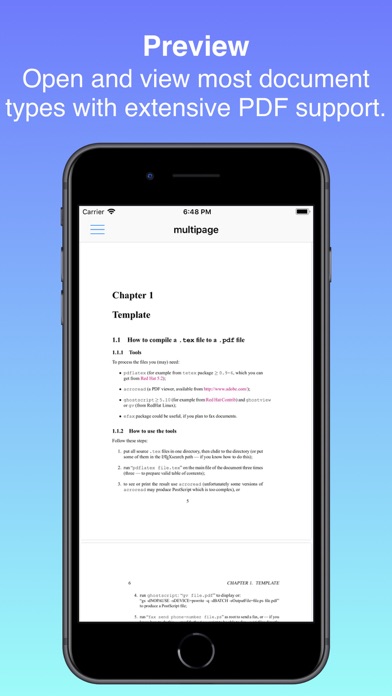
Manage and organize across local storage and cloud drives. Share files via email, message, or create PDFs. Merge PDFs with scans or images, rearrange pages, and rotate content. Export and save in various formats.
Documents turns your iPhone, iPad, or Mac into a simple PDF workbench. Open or scan a PDF, reshape it, then send it on its way — no subscription, no account, no clutter.
Work on one document at a time. Give it pages, edit them, and share the result. Your edits are non-destructive within a session, and Undo and Redo let you step back and forth through your changes.
FIVE WAYS TO EDIT
• Merge — Append other PDFs or images to your document. Reorder, preview, and crop photos of pages before they're added.
• Structure — Reorder pages by dragging, remove pages, add blank pages, and rotate individual pages.
• Extract — Keep only the pages you choose and discard the rest.
• Compress — Shrink file size with Low, Medium, or High compression, and see exactly how much space you saved.
• Resize — Reshape pages to A4, Letter, Legal, or a custom size, in portrait or landscape.
SCAN PAPER
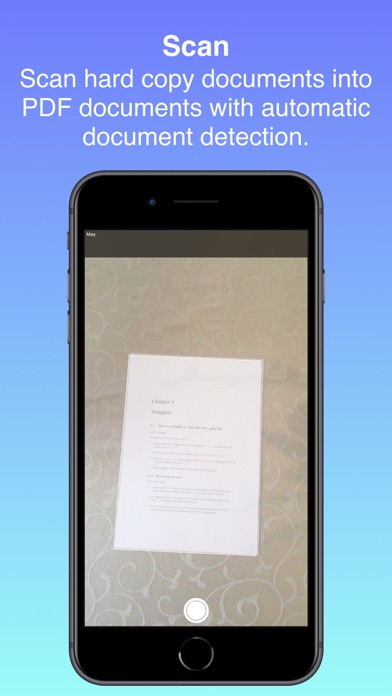
Use your device camera and Apple's built-in document scanner to capture pages straight into your document.
EXPORT YOUR WAY
Optionally password-protect your PDF, then Share it via AirDrop, Messages, and Mail — or Save to Files.
PRIVATE BY DESIGN
Nothing leaves your device unless you send it. No cloud sync, no accounts. Your files stay on your device while you work.
ONE-TIME PURCHASE
Try every feature free for 30 days. When you're ready, a single purchase unlocks the app for good — tied to your Apple ID, so it restores automatically across all your devices. No subscriptions, ever.