
Screen Recorder: Go Record
, add reactions, edit and export
Torqued Studios LLC
iPhone Screenshots
iPad Screenshots
Description
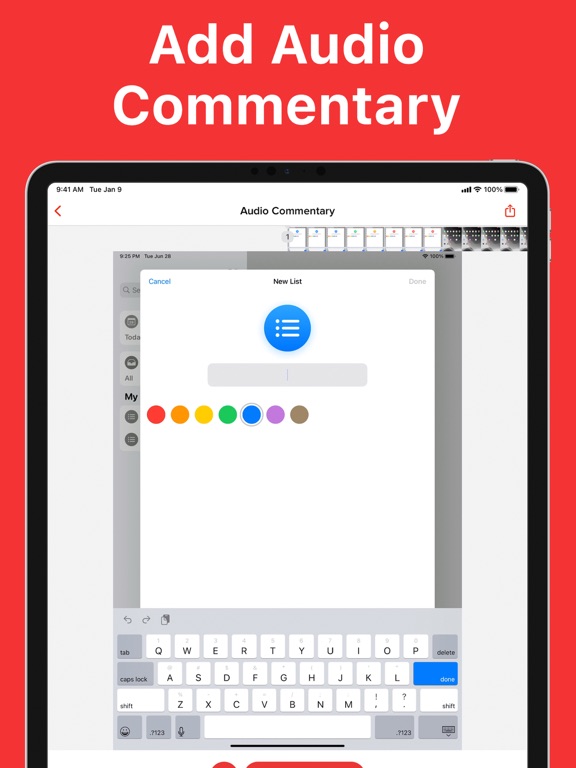
In high quality with customizable settings. Add Face Cam reactions and voiceover commentary. Trim, rotate, and adjust clips using built-in editing tools. Export recordings to preferred apps for sharing.
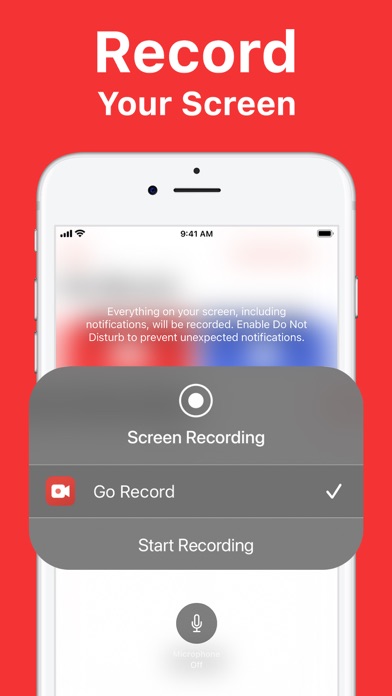
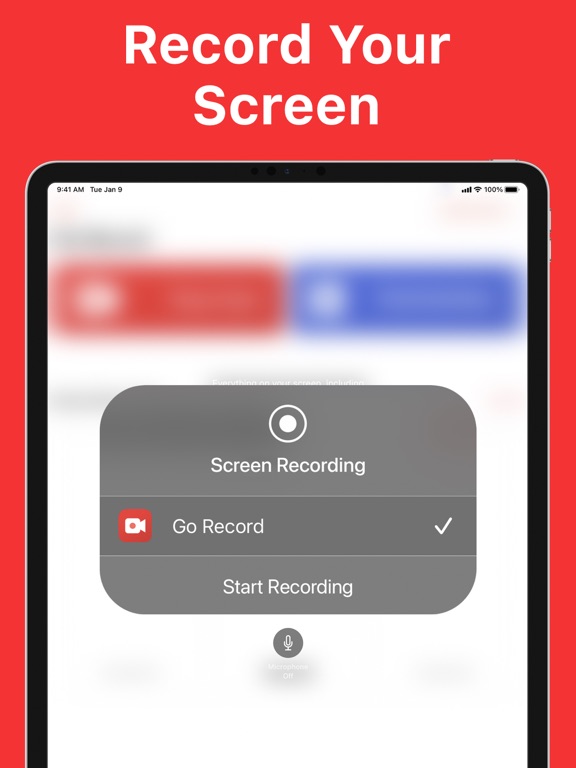
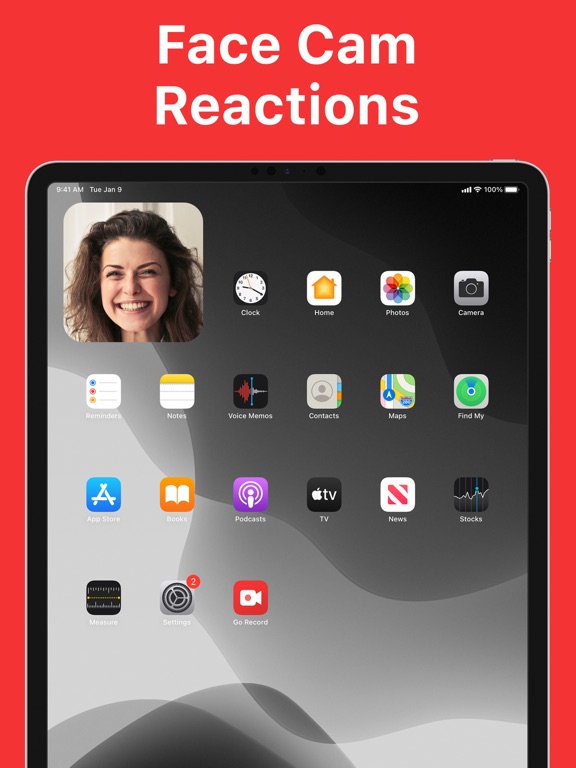
Record your screen with Go Record! Whether you're recording gameplay, creating tutorials, or capturing presentations, Go Record makes it easy to create polished screen recordings. Add Face Cam reactions and voice commentary. Edit with built-in tools, then export directly to your favorite apps when you're ready to share.
What you can do:
EASY SCREEN RECORDING
Record your screen in high quality
FACE CAM REACTIONS
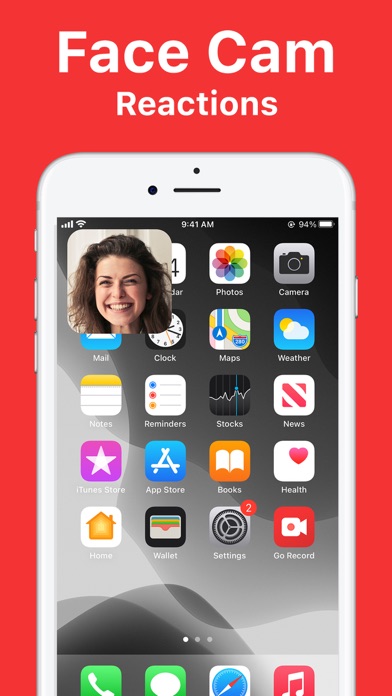
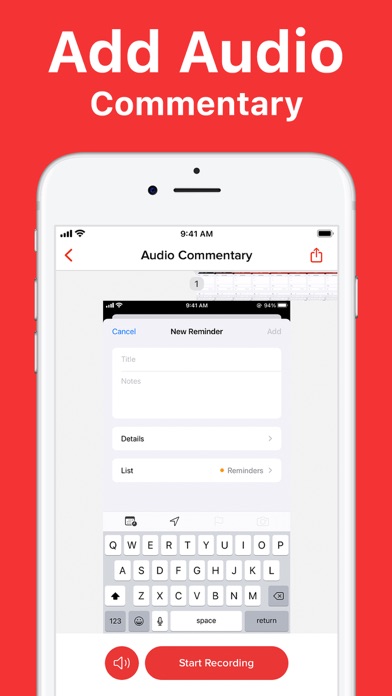
Add Face Cam reactions and voice commentary
BUILT-IN VIDEO EDITOR
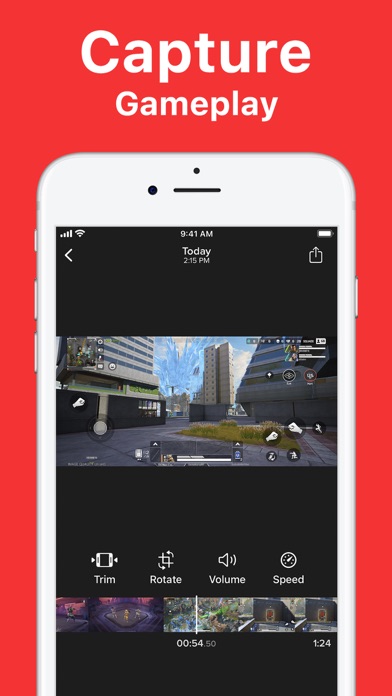
Trim, rotate, adjust audio and more directly from the app.
FAST SHARING
Export to your favorite apps quickly
Go Record is the screen recorder built for creators. Get started today.
App information from Apple App Store. Screen Recorder: Go Record and related trademarks belong to Torqued Studios LLC.