
iPhone Screenshots
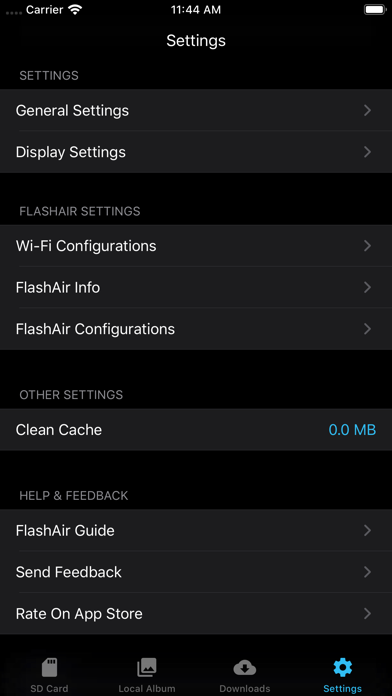
Description
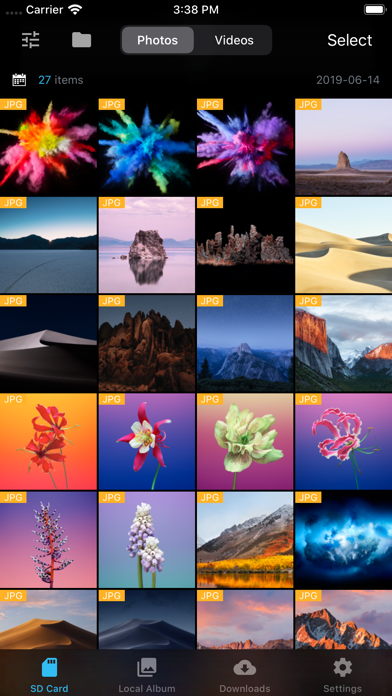
With Fair for Flashair, you can quickly browse and download all pictures and files on your wireless Flashair SD card.
Supported hardware Flashair W-02, w-03, W-04
The following is a list of main functions:
System
- Fully compatible with IOS 13
- Perfect for dark mode
Download
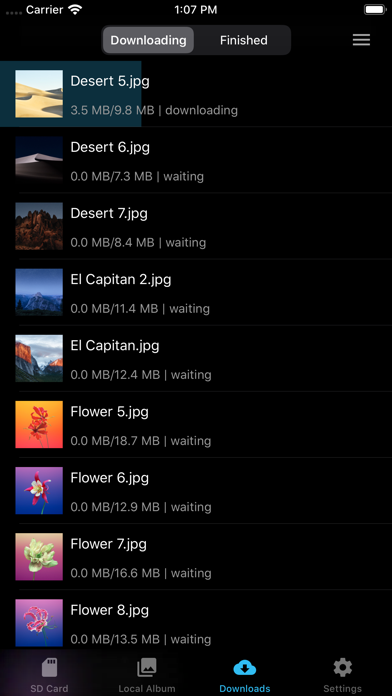
- Independent download process management, your download record will not be lost
- Batch download, display download speed, delete, edit download tasks and other functions
- It can be downloaded to the local folder of APP first, and then saved after further filtering.
- You can configure to save to a separate album and configure the album file name
- You can choose to generate HD thumbnails after downloading
- Keep the photo information completely, download the original image, which is exactly the same as the camera image.
- When selecting photos, you can select all, slide multiple, and select all by time group.
- Auto refresh
- Auto Download new photos/videos
- Automatic connection You can connect FlashAir Wi-Fi inside the app
- Config download order
Display
- Pictures on Flashair can be displayed in the default view or grouped by date
- Format filtering, you can select the file format you want to see, only display JPG, raw, etc.
- You can sort pictures in ascending or descending order
- You can choose to load only the pictures in DCIM or display all the pictures in the card.
- You can show or hide picture file names
- You can choose to display the no download flag
- You can configure the number of pictures displayed per line
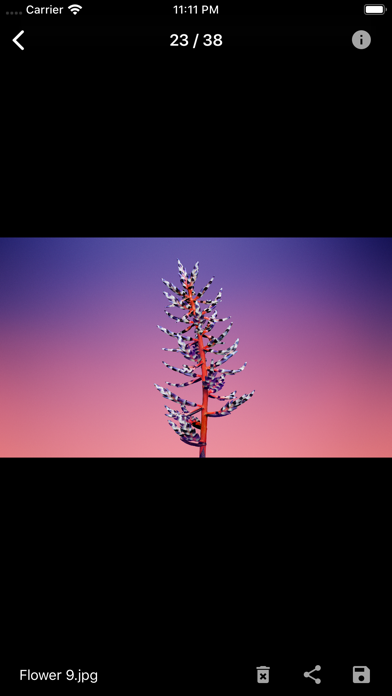
- You can view the picture in thumbnail or full size
- Preview video smoothly
- You can view the complete EXIF information of the picture
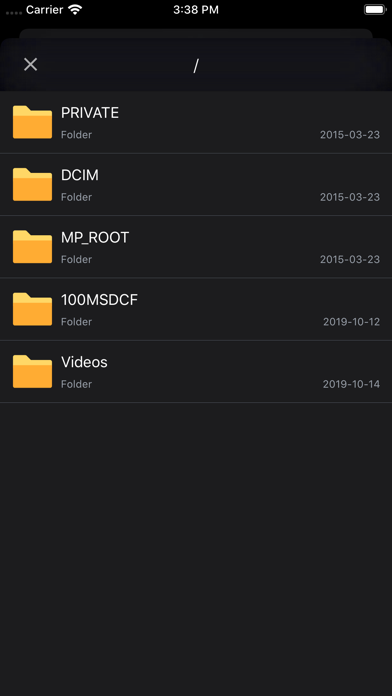
- You can view the full file system of flashair and operate on files
- Raw preview can be displayed (using JPG preview with the same name)
Flashair settings
- Flashair SSID and Wi Fi password can be configured
- Flashair mastercode can be set and managed automatically
- You can view the complete information of flashair SSID, password, remaining space, MAC address, etc.
- Flashair and cellular network can be used together
Other
- You can open files in flashair through other apps
- Mastercode can be processed automatically
- Can be set to prevent locking during download
- Slide multiple pictures to improve efficiency
- Can clear the picture cache to prevent the app from taking up too much space
- Complete operation guide and problem feedback channel