
ClinicalKey Student Bookshelf
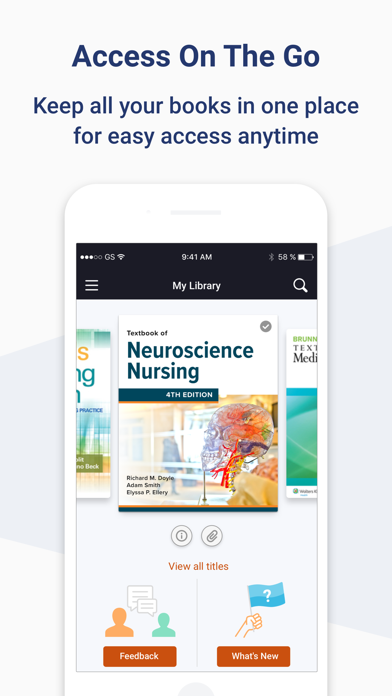
Access books, notes, and flashcards anytime
Elsevier Inc.
iPhone Screenshots
Description
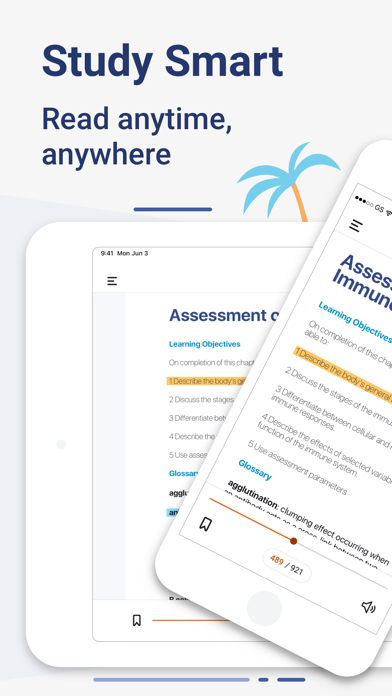
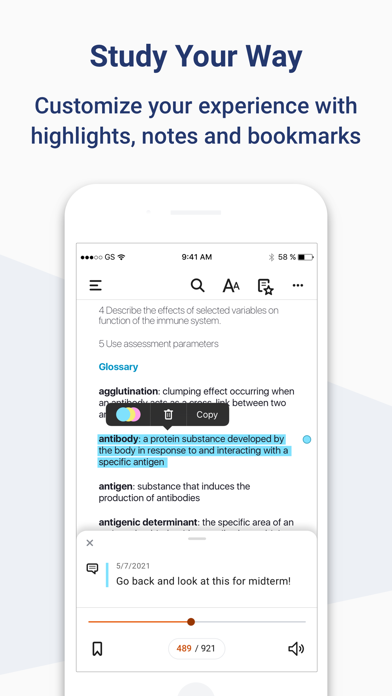
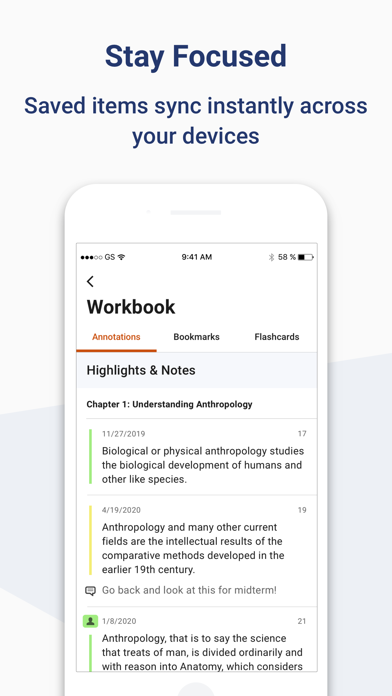
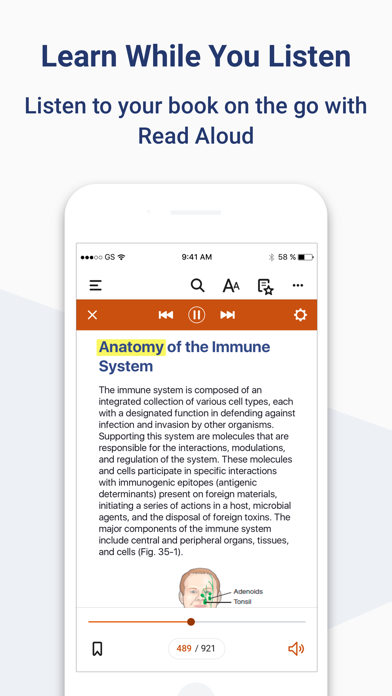
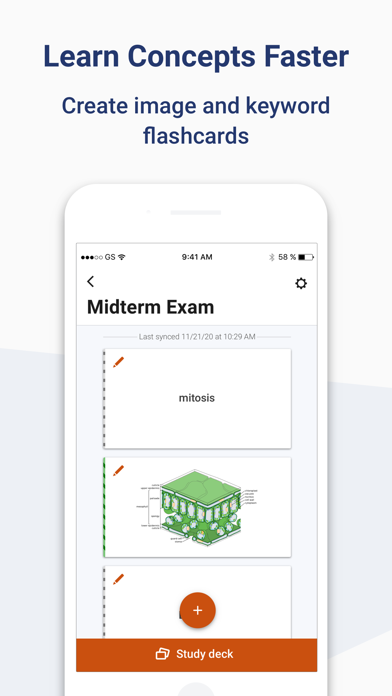
Access personal across devices. Highlight text, make and share notes, and create flashcards. Sync study materials and view annotations. Available in English, Spanish, French, and German. Requires account.
Download the ClinicalKey Student Bookshelf app to access your personal bookshelf across all devices whenever you need it. Enhance your study experience with tools designed to build and improve your medical knowledge; making and sharing notes, highlighting key text and creating flashcards.
Requirements:
• iOS 17+
• ClinicalKey Student account
• The app is available in the following languages: English, Spanish, French, German, Portuguese
How to Access:
• Download the app for free and open it.
• On the welcome screen, click Sign In with your CK Student email and password. NOTE: The first time you log in, you must be on your university network.
• If you have been given a Registration ID to create your account, go to https://www.clinicalkey.com/student/register and follow the steps on-screen. You can then use your login to sign into the Bookshelf app.
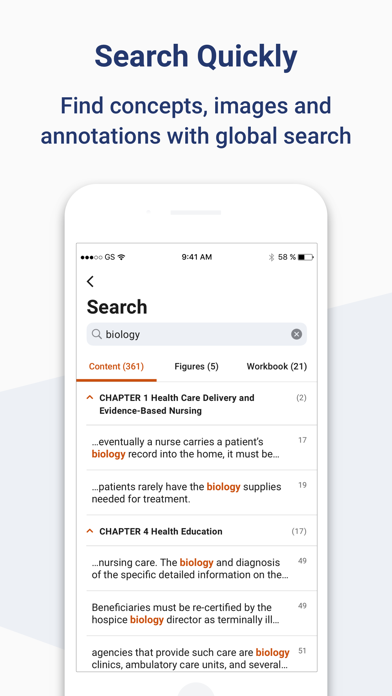
• Launch any title you want to add to your bookshelf on the CK Student website. The app will synchronise any books you have added from CK Student. NOTE: You must be online to synchronize your book collection.
For Support and FAQs, go to https://service.elsevier.com/app/home/supporthub/ckstudent/