
iPhone Screenshots



Description
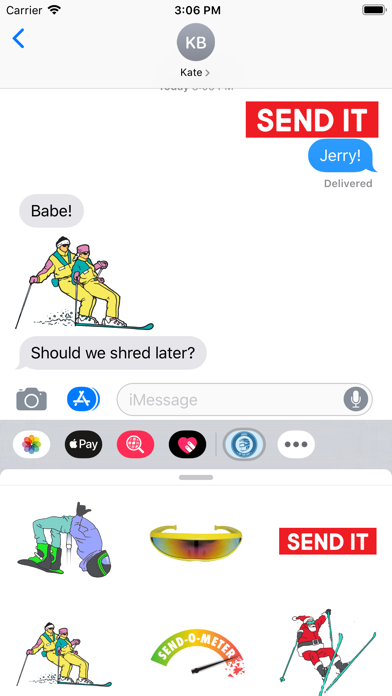
Max out the send-o-meter on your iMessages with these stickers. Gather fellow Jerry hunters, get some footy, let your friends know how you really feel about Monday...the possibilities are endless!
Directions for installation
1. After downloading, go into an iMessage conversation
2. Click inside the text field
3. Click the arrow
4. Click the "A" for applications
5. Click on Jerry of the Day Sticker Pack
6. If you don't see it, Click on the app store
7. Click the manage tab
8. Switch Jerry of the Day Sticker Pack tab to "on"