
iPhone Screenshots
Description
Using stickers is easy and quick! Follow this steps:
- Go to Settings > General > Keyboard > Keyboards > Add New Keyboard
- Add “SSC Napoli Sticker” from Third-Party Keyboards
- Select “SSC Napoli Sticker” and allow “Full Access”
- With the keyboard open, hold down the globe icon and select “SSC Napoli Sticker”
- Enjoy and use all the stickers dedicated to SSC Napoli world!
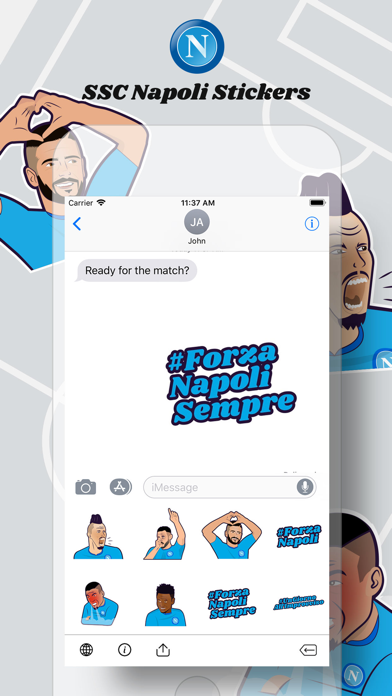
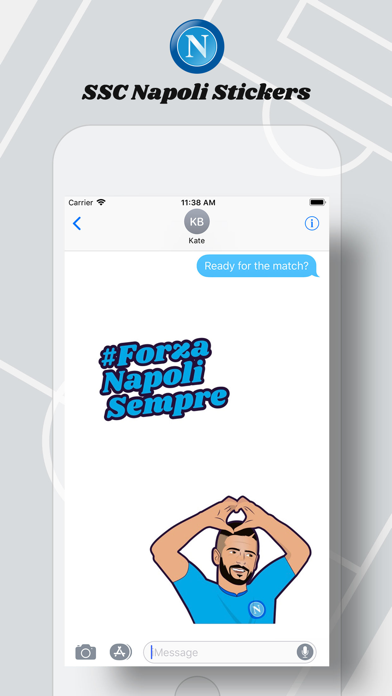
Download the app and try out all the available stickers even on iMessage!
▶ CONTACTS & INFO
Official Website: http://www.sscnapoli.it
Follow us on Facebook: https://www.facebook.com/SSCNapoli
Follow us on Twitter: https://twitter.com/SSCNapoli
Follow us on Instagram: https://www.instagram.com/officialsscnapoli/
Follow us on YouTube: https://www.youtube.com/user/SSCNapoli
Follow us on Dugout: https://dugout.com/sscnapoli