
iPhone Screenshots

Description
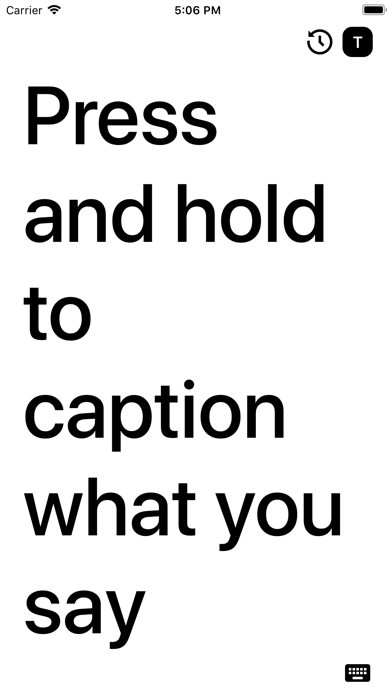
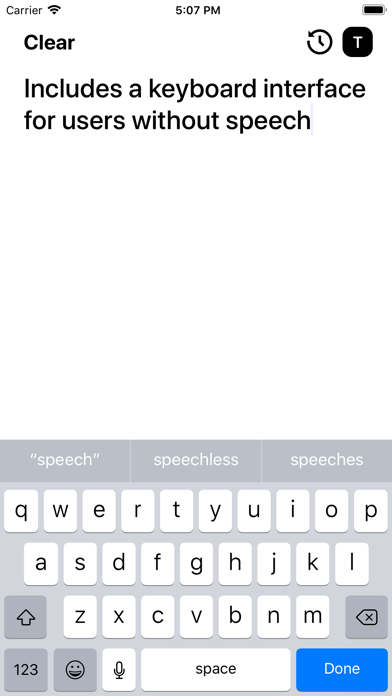
Caption conversations by pressing and holding the iPhone screen to display large, easy-to-read text. Use keyboard input when speech isn't available. Supports real-time captioning with Siri's speech recognition. No in- purchases.
eyeHear allows anyone with an iPhone to caption any conversation anywhere.
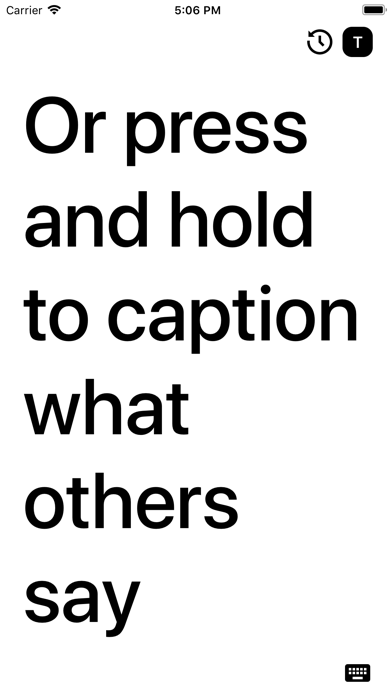
Press and hold iPhone's screen to caption what you or anyone else is saying in large, easy-to-read text. If speech isn't available, you can also use the keyboard to quickly type and still show large type.
eyeHear was designed to enable easier conversation for the Deaf and Hard-of-Hearing communities in situations where sign language is not available.
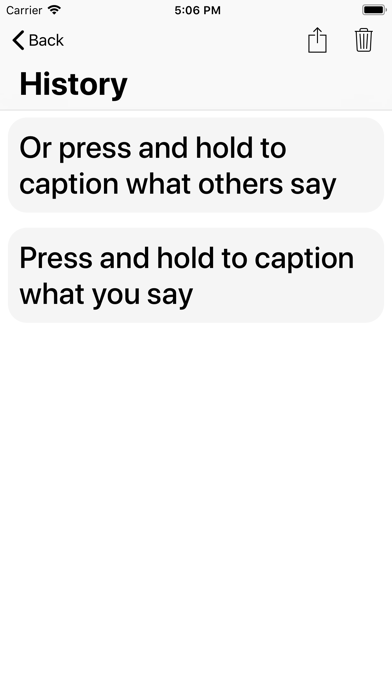
eyeHear is free with no in-app purchases. eyeHear uses Siri's speech recognition services to provide captioning free-of-charge to users. eyeHear respects your privacy, and doesn't keep any records of your usage, transcriptions, or audio recordings.