
Nebula Connect(SmartProjector)
Control devices with touchpad, keyboard, and buttons
Power Mobile Life LLC
iPhone Screenshots
iPad Screenshots
Description
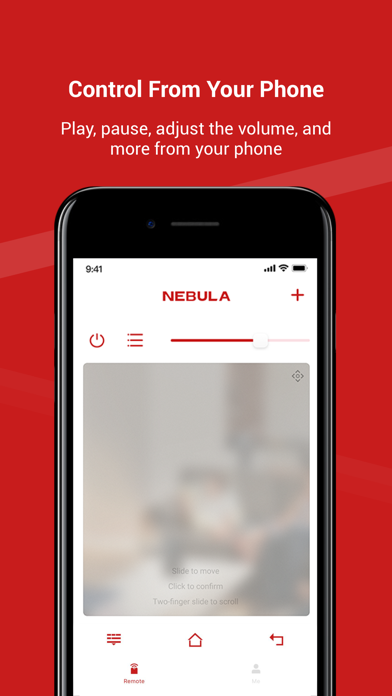
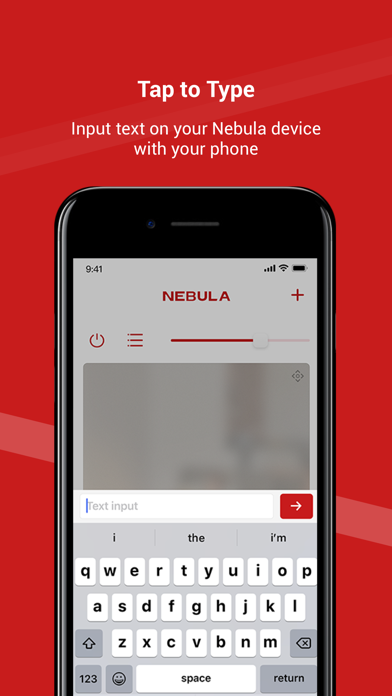
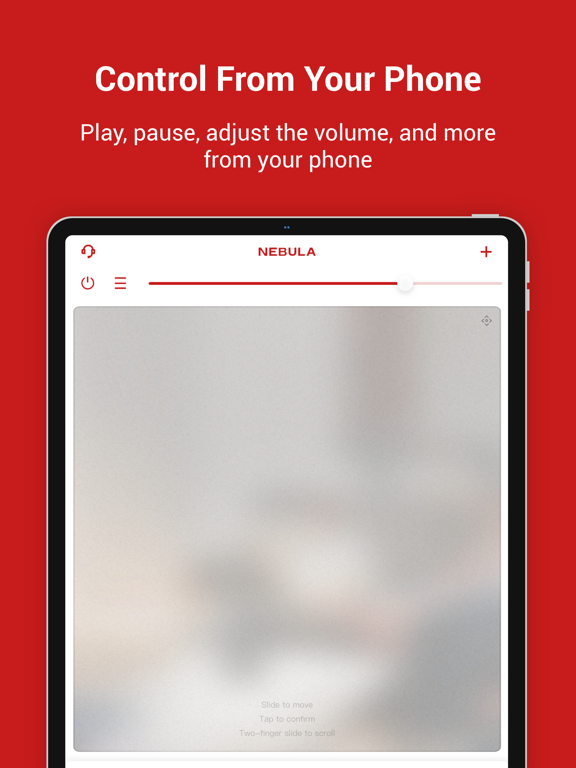
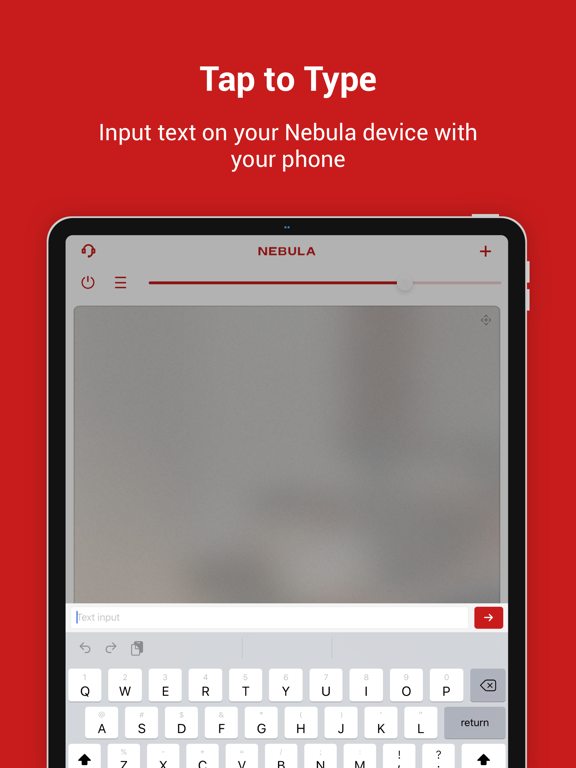
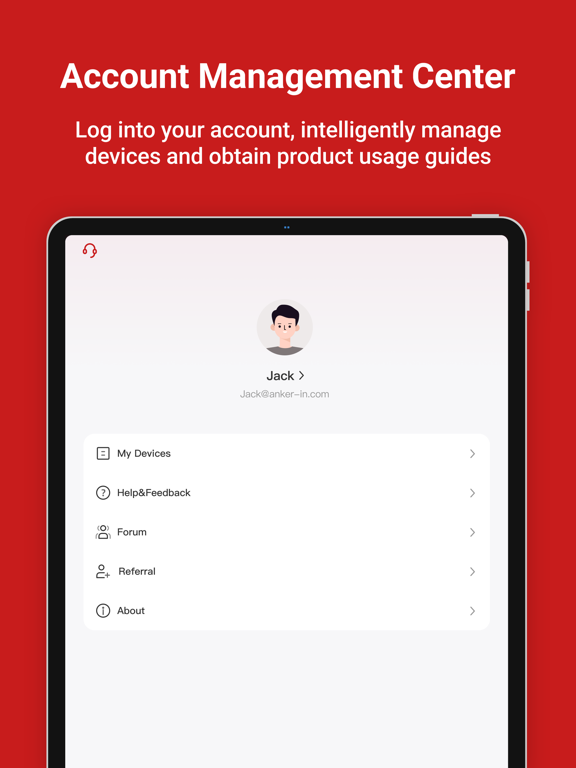
Control smart projector or soundbar using touchpad, virtual keyboard, and function buttons. Adjust settings, navigate menus, and manage device functions directly from the .
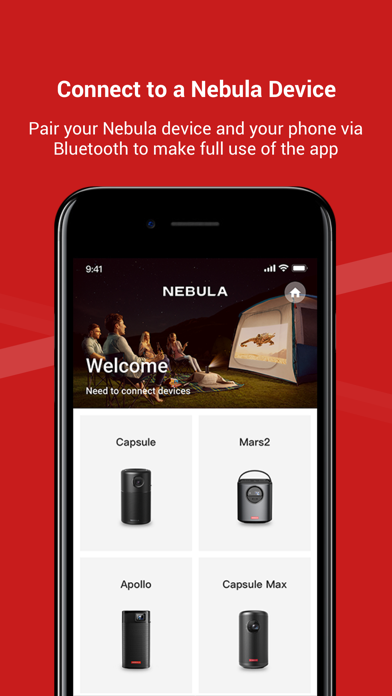
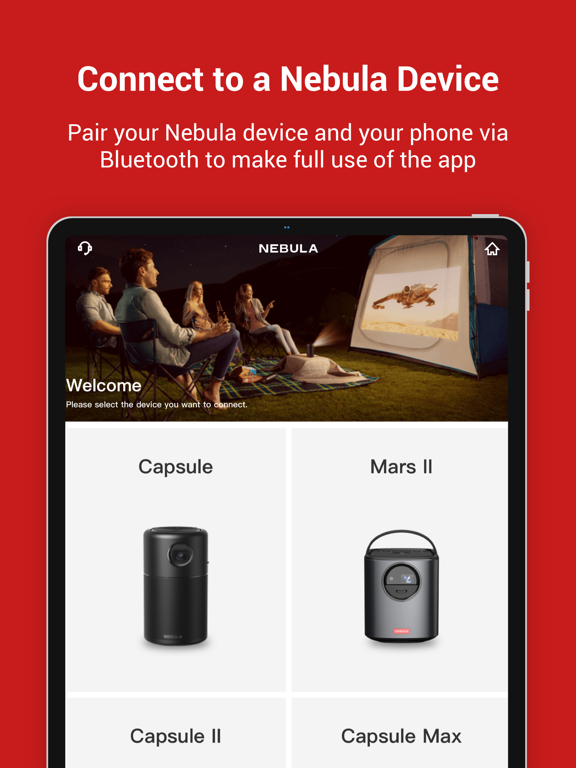
Nebula Connect works together with your Nebula smart projector or soundbar. You can seamlessly control your Nebula device via the touchpad, virtual keyboard, and function buttons.
Feel free to contact us at [email protected] if you have any questions.
App information from Apple App Store. Nebula Connect(SmartProjector) and related trademarks belong to Power Mobile Life LLC.