
iPhone Screenshots
Description
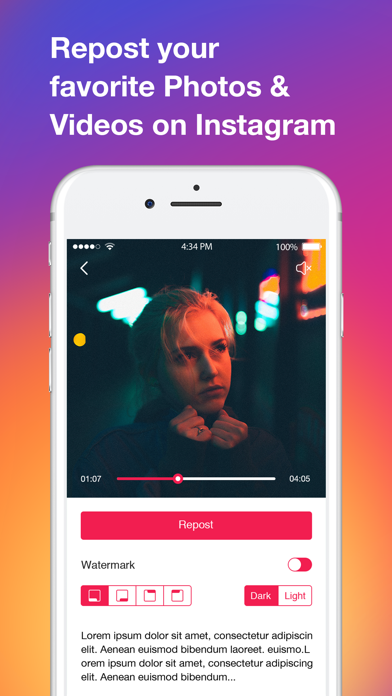
Repost for Insta Photos app lets you repost your favorite photos and videos anytime.
#FEATURES#
• Repost for Instagram photos
• Repost multiple photos on Instagram immediately
• Copy tags to get more likes
• Easy interface, simple to use
• Repost Freely
Don’t need to take screenshots of photos anymore!
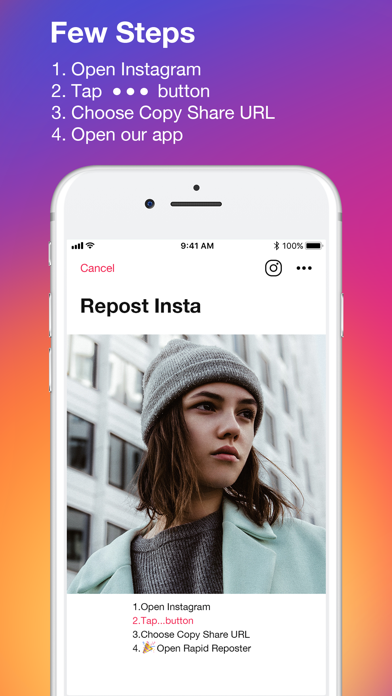
Few Steps To Repost:
1. Find something you want to repost in Instagram
2. Copy the share URL and open Repost Photos for Instagram app.
3. Tap Repost button
3. Choose to open Instagram app, and repost the content on Instagram.
################