
Mia - The Kodi Remote
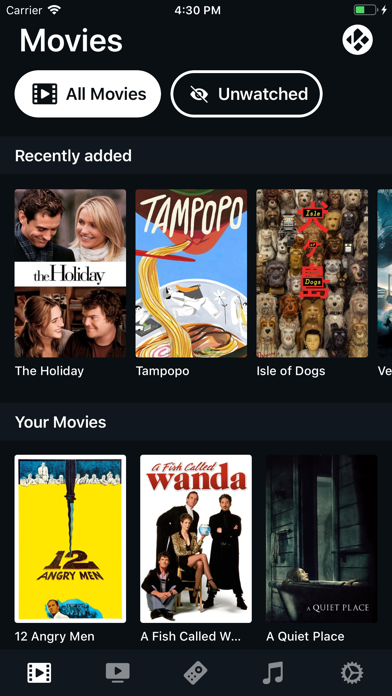
Browse movies, series, and music
Mickey Van Zeelt
iPhone Screenshots

Description
Browse movies, series, and music from Media Center. Control playback, adjust volume via HDMI CEC, and manage multiple devices. Search for content, use 3D Touch shortcuts, and enable iPad multitasking.
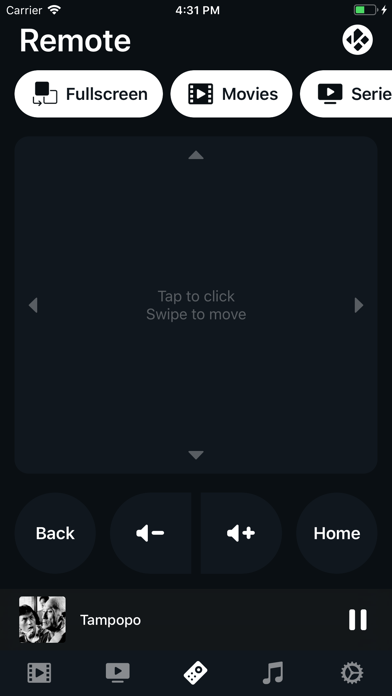
Mia is a beautifully functional remote for Kodi Media Center / OSMC / XMBC.
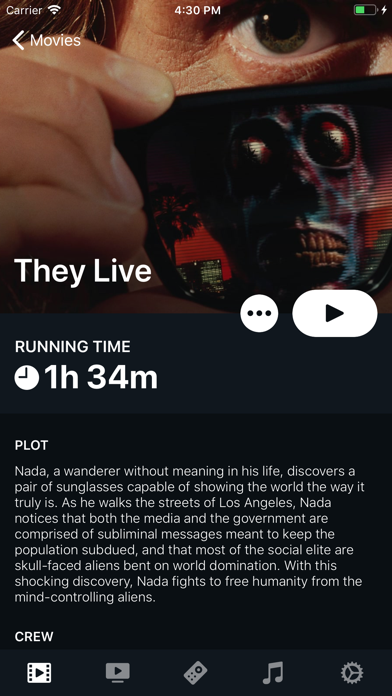
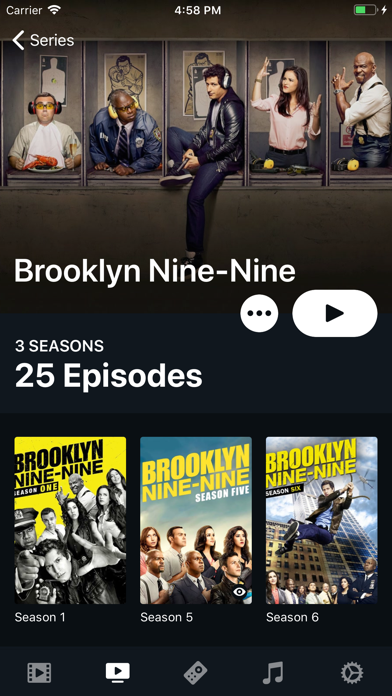
Use Mia to browse through your movies, series and music. You can also see what is currently playing, or use it as a remote to control what is on your tv.
Some great features of Mia
- [New] iPad and multitasking support
- Control volume of Kodi or your Receiver (HDMI CEC)
- Manage multiple Kodi Devices
- Find all your Kodi devices automatically
- Type any input to Kodi
- 3D Touch shortcuts, inside the app and on the app’s icon
- Change audio channels and subtitles, or directly start searching for new subtitles.
But what can you do with your content?
- View and start your Movies, Series and Music
- Directly show the IMDB page or your movies and shows
- Play trailers of your content on your TV
- Quickly open the folder of your content in Kodi
- Just binge watch your series from where you left off. Those episodes won’t stop playing unless you want them too.
- Mark movies, episodes, seasons and even entire shows as watched or unwatched.
Mia also has a share extension
- Share video’s from other apps or a browser to Kodi
- Support for stream files, YouTube video’s, and m3u playlists
For regular updates and feedback: reddit.com/r/miaremote
If you experience any unexpected behaviour please submit feedback within the app or at: "[email protected]", I’m sure we can solve your issue together!