
Contacts to Excel , PDF , CSV
Export in XLSX, PDF, or CSV
Dropouts Technologies LLP
iPhone Screenshots



Description
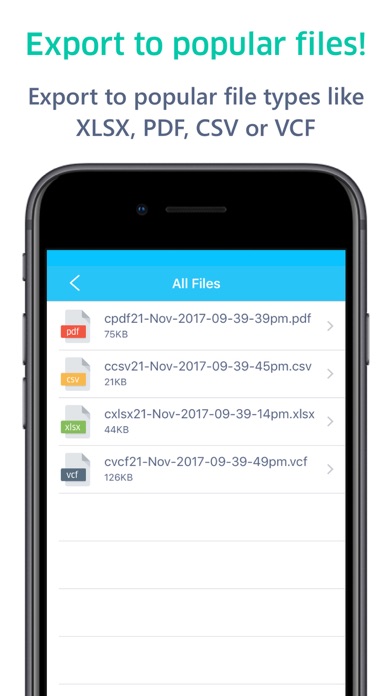
Export in XLSX, PDF, CSV, or VCF formats. Choose to export all or select specific entries. Save files directly to device or share via email. Organize for , Outlook, or CRM integration. Backup using vCard format.
Export Your Contacts Your Way.
Take full control of your address book with seamless export options built for every workflow:
Available Formats
XLSX: Perfect for Excel lovers—clean formatting, easy sorting, instant clarity.
PDF: Generate neat, printable lists you can share or mark up anytime.
CSV: Ready for Outlook, Gmail, CRMs, and countless other tools.
VCF (vCard): The universal standard for backing up or moving contacts across devices.
What You Can Do
Export all contacts or handpick only the ones you need.
Instantly preview your exported file before sharing, sending, or saving.
Quickly rename, delete, or share your exported files whenever you want.
Create reliable contact backups with VCF files.
Need help or have a question?
[email protected]
****************
Free Usage Access :
> You can export 100 contacts in Any Format
Pro User Access ( In App Purchase )
> You can export unlimited contacts in Any Format unlimited times. This app can export 50,000+ contacts in matter of seconds!
****************
Privacy Policy Link : https://www.dropouts.in/privacypolicy/privacy-policy.html
Terms and Conditions Link : https://www.dropouts.in/privacypolicy/terms-of-use.html