
iPhone Screenshots
Description
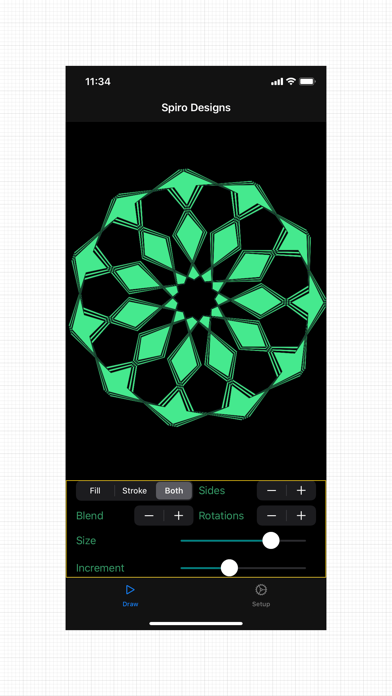
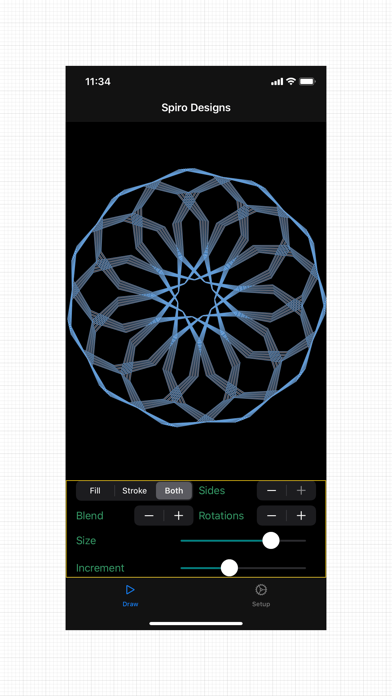
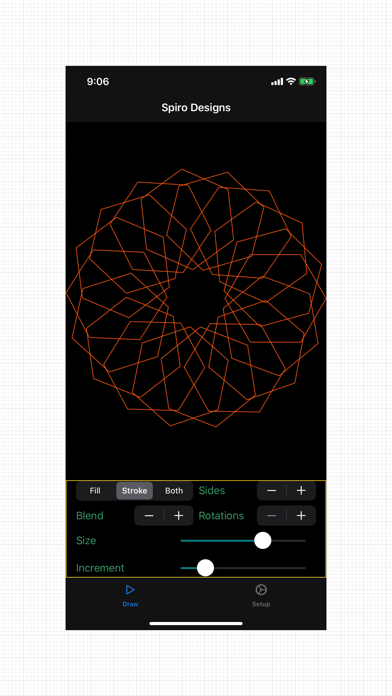
Spiro Designs draws the patterns a small circle makes as it rolls around the inside of a large one. Stamp circles or polygons at every step, or let a single point leave a spirograph trail, then play with size, spacing, colour and blend mode until something beautiful appears.
WHAT YOU CAN DO
• Pick a shape: circles, a line, triangles, squares, all the way up to decagons, or a classic spirograph curve
• Pinch the drawing to change size, drag sideways to change spacing, drag up and down for line weight
• Choose fill, outline or both, with 23 named colours or random colours on every change
• Combine overlapping colours with 20 blend modes, from Difference and Exclusion to Screen and Multiply
• Even-odd fill turns overlapping shapes into lace and checkerboard patterns
• Start from twelve curated presets, or roll a random design with one tap
• Animate the design being drawn, and tap for a clean full-screen view
• Undo and redo every change
• Keep up to 50 named designs and reopen, update or rename them
• Share as a high-resolution PNG, save to Photos, or export an SVG vector file for design apps, plotters and cutters
No account, no ads, no tracking. Your designs stay on your device.