
iPhone Screenshots
Description
Pay for fuel using your iPhone with real-time pump authorization. Navigate to nearby stations using Maps. Scan QR codes at pumps. Authenticate payments with Touch ID or Face ID. Receive a receipt automatically and via email.
Ubipay is a convenient way to pay for fuel directly from your iPhone.
Use Maps to navigate to the nearest fuel station.
Scan the pump QR code, and choose an amount for real-time pump authorization.
Use Touch ID or Face ID to protect your cards.
Once you have finished fueling your vehicle, you will automatically receive your receipt. A copy of the receipt will be sent to your email for your convenience.
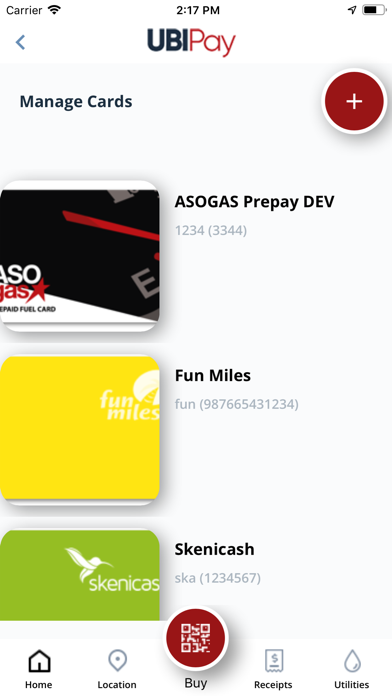
Fun Miles, Skenicash and Pagadero Utilty Payment are supported in participating stations.
You can use several cards to separate your personal and corporate fuel purchases.