
iPhone Screenshots

Description
APP for BERGHOCH Klassik HDDVR video surveillance systems
- Easy connection between smartphone and HDDVR video surveillance system
- Cloud connection
- Just scan the code from the recorder and start
- No router settings
(We don't save any customers video streams or data on the cloud server. The cloud server is only for the connection between HDDVR and smartphone)
At home & on the go on your smartphone:
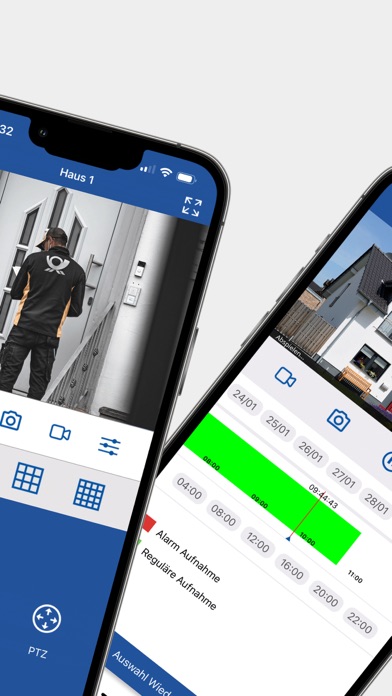
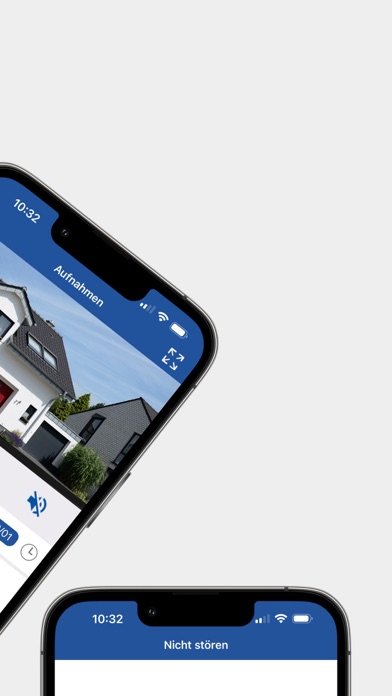
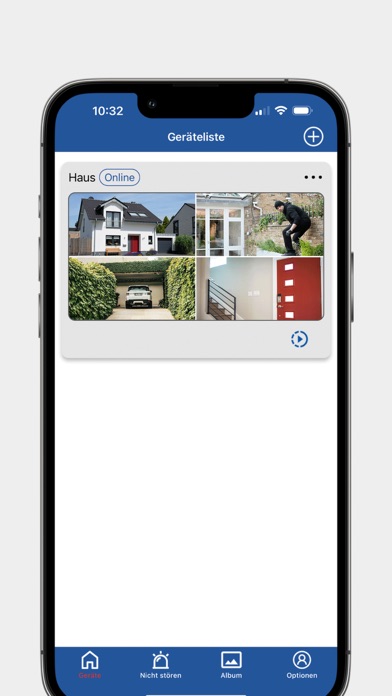
- Live* stream of the camera system
- saved files of the HDDVR Video surveillance system
(Wait till the video has loaded and don't press the play button)
Requirements:
At home where the HDDVR is installed:
DSL, cable or LTE internet access min. upload 2 Mbit.
On the go on your smartphone:
Well 3G or LTE connection
Highspeed data volume
NOTE:
When your connection on the go is too slow =
Reduce the substream channel of your HD DVR at home:
(Main menu > System > Code > for all channels right setup: D1 to CIF and bps to 7)
*The Live stream shows the direct video stream of the camera, depends on the connection not all frames will be shown.