Skip to main content
Appfelstrudel
Browse
About
Search Tips
Home
/
AVR Remote
AVR Remote
Roland Horvath
★ 2.3
3 ratings
Entertainment
Free
View in App Store
View Alternatives
iPhone Screenshots
Description
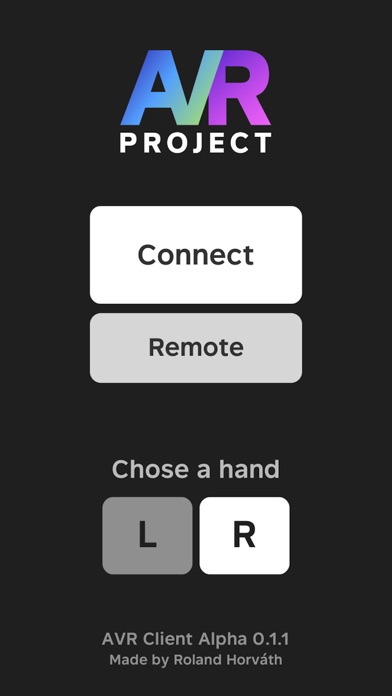
Remote app for AVR, the world tracking motion controls for mobile VR project Setup Instructions: 1. Open the AVR app on your headset 2. Put iPhone at the headset 3. Tap the Calibrate button That's it!