
Everyday Shortcuts
Organize apps and bookmarks into categories
Bits&Bytes
iPhone Screenshots
Description
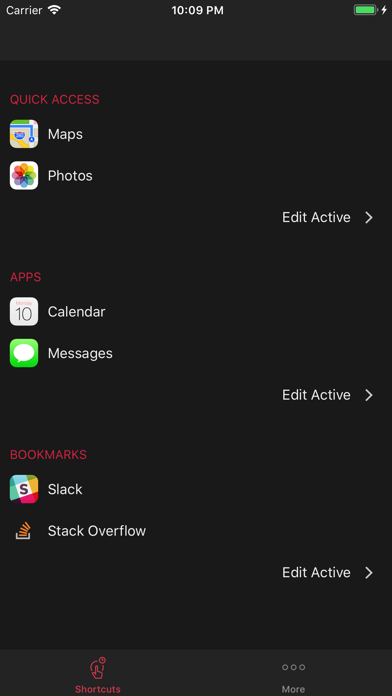
Organize apps and bookmarks into three categories: Quick Access, Apps, and Bookmarks. Save up to four active items per section. Purchase additional slots to increase active items to eight. Access organized from the Today screen.
Hate clutter? Love organisation? Save time by creating shortcuts to your apps and favourite bookmarks today!
Organise your apps and bookmarks into three simple categories: Quick Access, Apps and Bookmarks. Access them all from your Today screen.
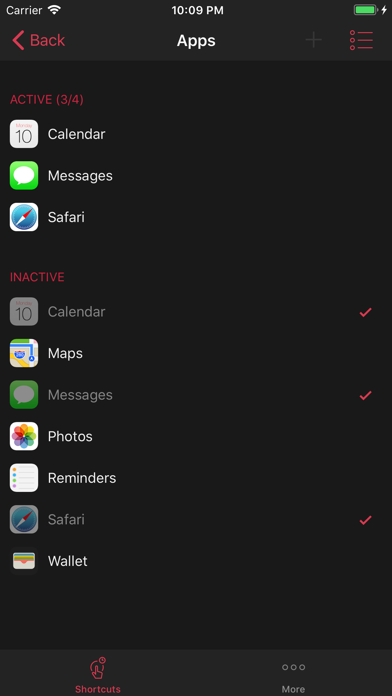
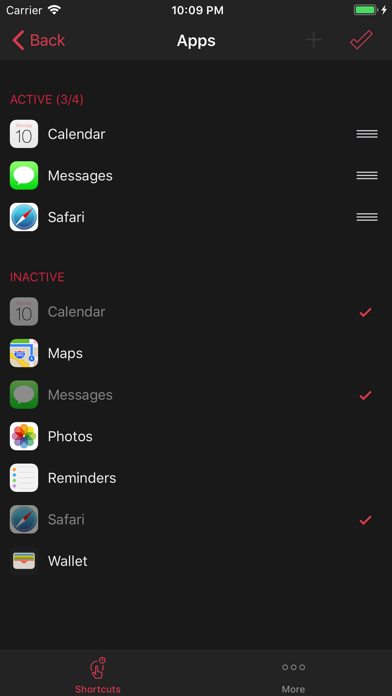
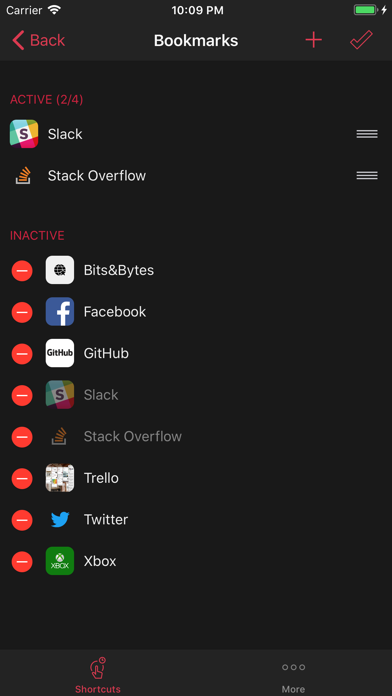
All of the sections allow you to save up to four active items. If you need more organisation you can purchase additional slots and increase the number of active items for your Apps and Bookmarks from four to eight.
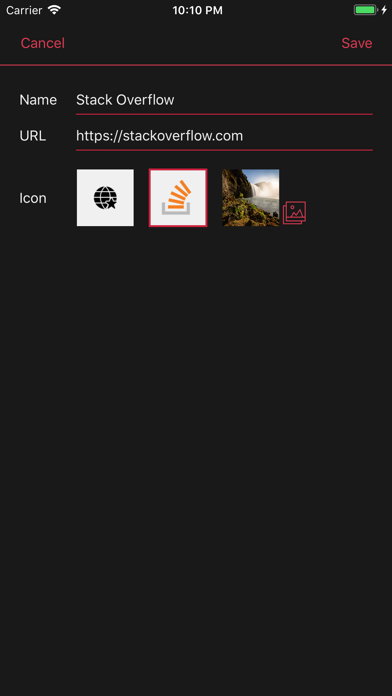
If you don’t like the default icon for Bookmarks we will try to download a website icon for you. You can also select one of your own images to use as an icon from your gallery.
If your device supports 3D Touch you can also access your Quick Access apps by force pressing the app icon. You can enable 3D Touch by going to Settings > Accessibility > 3D Touch.