
iPhone Screenshots



Description
十得 Keyboard:
“十得 (Zyuttoku)” means ten or more benefits in Japanese, and “十得 knife“ is the same with the knifes that has multi purpose tools like Swiss army knife. So “十得 Keyboard” is a keyboard that has some useful functionalities.
Please think about the situation,
- When you add an account to a shopping site. You will input your name, address or e-mail address and so on. Although you can do that easily, it takes some time and some mistakes may brings a trouble. With “十得 Keyboard”, you can input easily and correctly the informations of your own or your friend you send a gift, by picking up those informations from Contact app.
- Or when you have to input a code, for example, user registration for a new device or coupon code at a shopping site. It is difficult to input a long, meaningless digits correctly. With “十得 Keyboard”, barcode reader read and input the code without searching a barcode reader app from a lot of apps you installed.
Caution:
If you use all the features “十得 Keyboard” has, you have to accept “Full Access” for this keyboard in the keyboard setting.
Functions :
+ Barcode Reader
Read a barcode or QR code and input the text of the code.
+ Address on map
Input addresses, postal code, longitude, latitude of the location that you tapped on Map.
+ Calendar
Pick up and Input the name, date or detail of the event in Calendar app.
+ Contact
Input the name, address, e-mail addresses, telephone number in Contact app.
+ OCR
Recognize texts of photo taken by camera.
This features requires the internet connection, because using external service.
+ Sensor
Input current location, altitude and so on of your iPhone.
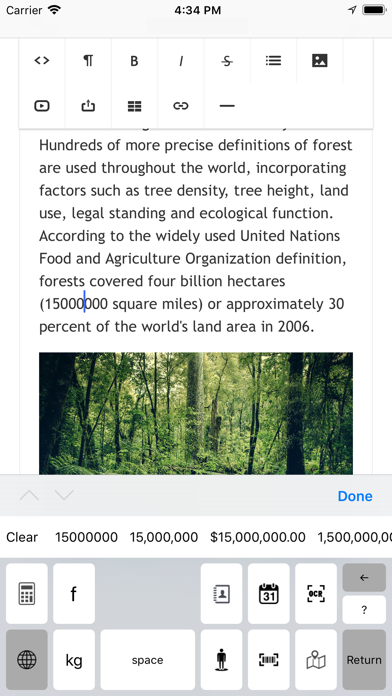
+ Candidates List
Select texts of these informations as candidates.
Input each text into proper text field on web input form.
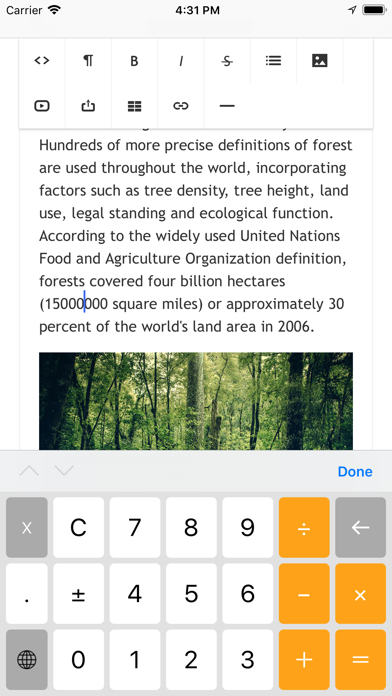
+ Inline Calculator
This is simple calculator that calculate a number on the cursor of the document and replace to the answer.
+ Text formatter
Replace the text format on the cursor of the document.
Replace date format.
Replace number format. Comma-separated, Currency format and so on.
From iOS11, recognize and replace the selected text area.
+ Inline Unit Converter
Replace the number on the cursor to another unit ( if the text is number ).
Have some categories like length, weight.
From iOS11, recognize and replace the selected text area.