
Abstract Live Wallpapers
Choose a wallpaper and animate your lock
Alexander Matuszelanski
iPhone Screenshots



Description
Set from an collection to animate the lock screen. Activate animations via 3D Touch. Choose and apply a wallpaper from the gallery.
Abstract Live Wallpapers work with devices with 3D Touch!
Live Wallpapers that will animate your lock screen and bring it to life! Select a Live Wallpaper from our Abstract collection and when you 3D Touch your screen and it will start animating. Make your Device unique!
Choose one live wallpapers from abstract collection.
To set the Live Wallpaper on your Lock Screen:
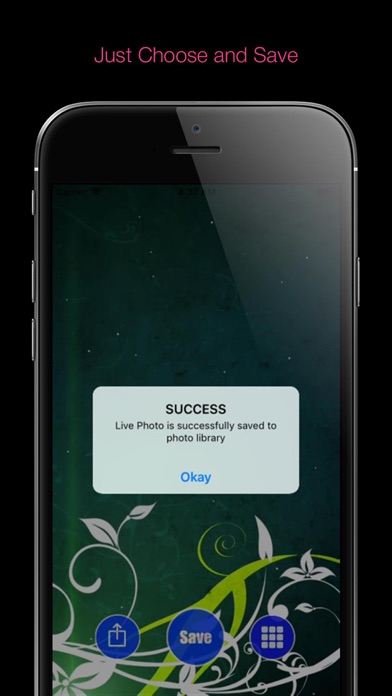
1) Save a Live Wallpaper from the app.
2) Open Gallery > Choose Saved Live Wallpaper >
Set the Live Wallpaper you selected as your Lock Screen.
3) Go to your Lock Screen, and 3D Touch the screen.
That's all !