
iPhone Screenshots


Description
When you use File App, have you ever though "Can't make FOLDERS!!!" ?
If you've thought it, please use this app!
~How to use~
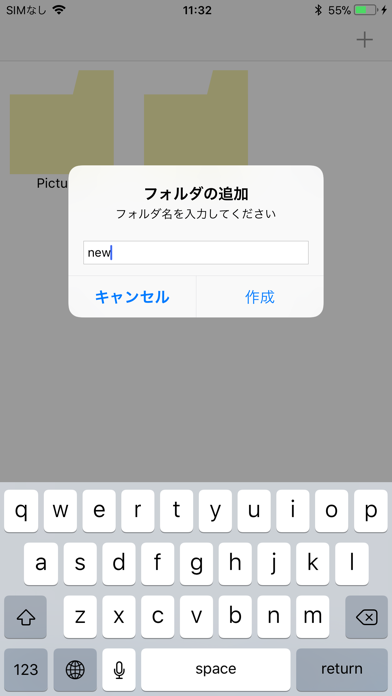
1. Create new folders by this app.
2. Save some files by default apps(Like Notes)
3. Launch Files app > On My iPhone(iPad) > FolderPlus > (Your new Folder name)
4. Complete!
*This app just create new folders.
*If you want to edit folders, please use basic operations by Files app
*if you remove this app, all of data in this app are DELETED.
*You should back up important data periodically.