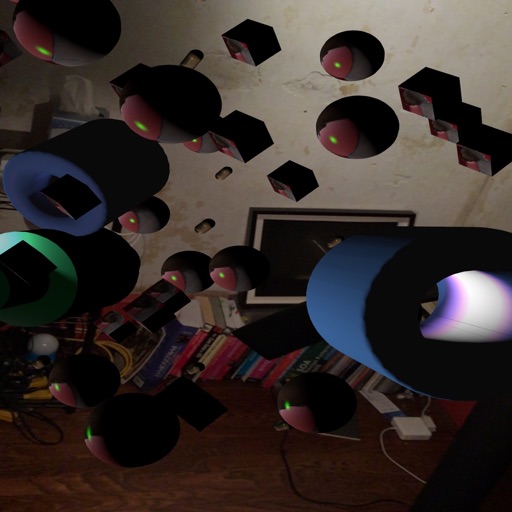
iPhone Screenshots

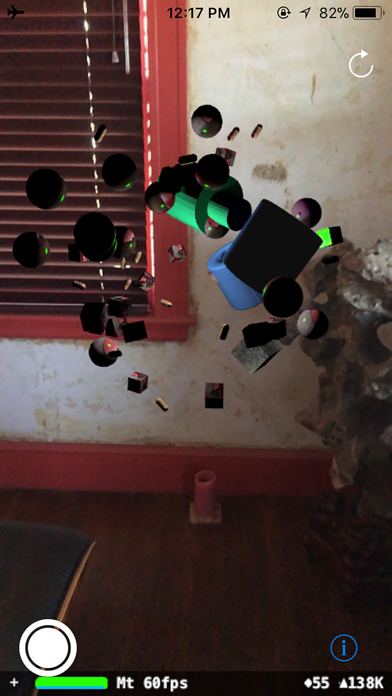
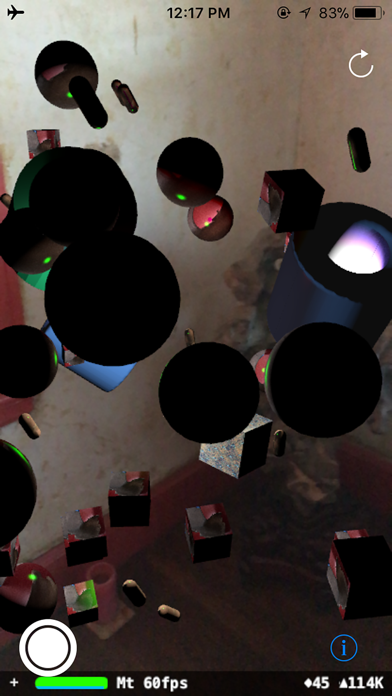

Description
After initialization, select the location for 4 objects in the scene by tapping on the small yellow dots. When the 4th object is placed, the program will randomly place fifty small occluding objects around them.
The scene is now ready for exploration.
I find objects placed approximately 3 ft. (1m) away work from the device the best, but I encourage you to experiment.
Skinnable and Noise Objects can be "skinned" (wrapped) with photos from your Photo Library. Tap on a thumbnail in the preferences screen to open the Photo Library and select an image.
NOTE: "Skinnable Objects" will not appear in the scene until they have been assigned photos.