iPhone Screenshots

Description
1. Read the "User Software License" in first page, slide the page to the end and click "Accept & Continue" button to enter "CONTROL" & "LAMPS" UI.
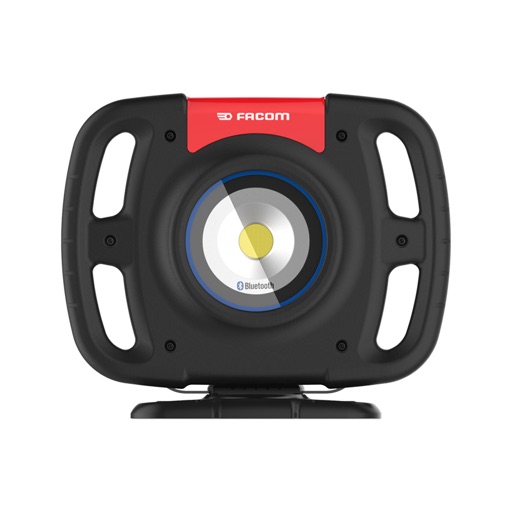
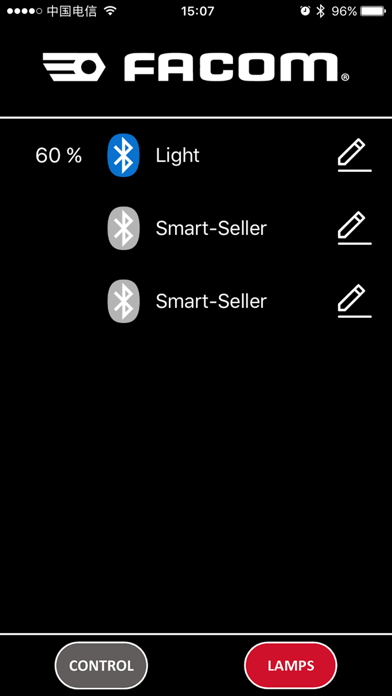
2. Turn on Bluetooth function on cellphone, connect/disconnect the spot light on the “LAMPS” tab.
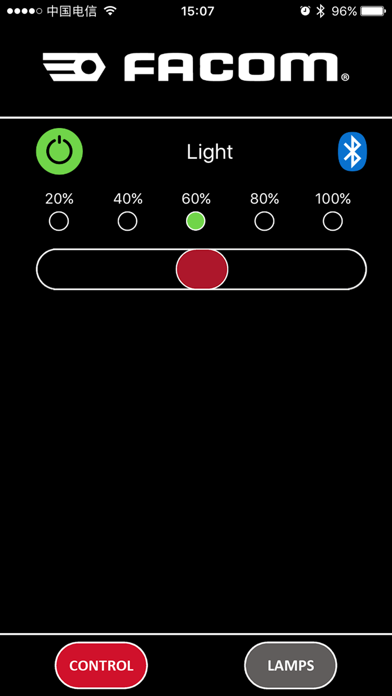
3. Turn ON/OFF the light on “CONTROL” tab.
4. Adjust the light brightness in 20% increments on “CONTROL” tab.