
OpenText Service Management
Submit requests and track status
Open Text Corporation
iPhone Screenshots


Description
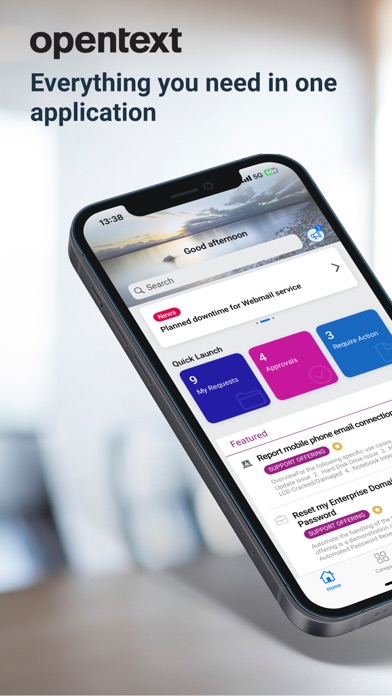
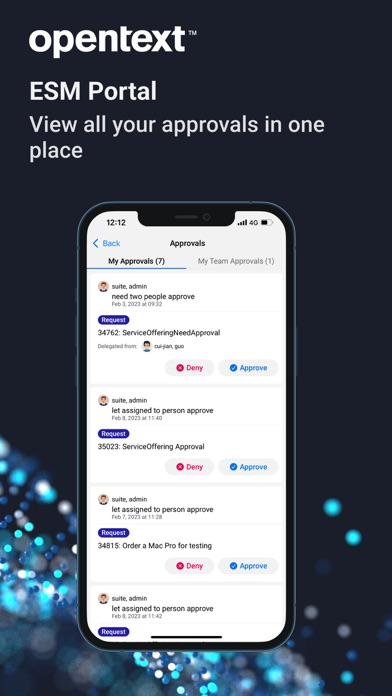
Manage requests by creating, approving, or rejecting them. Access knowledge articles and news. View and update request statuses. Use smart ticketing and virtual agent support. Switch between tenants and search for offerings.
OpenText Service Management gives end users and agents secure mobile access to essential service workflows.
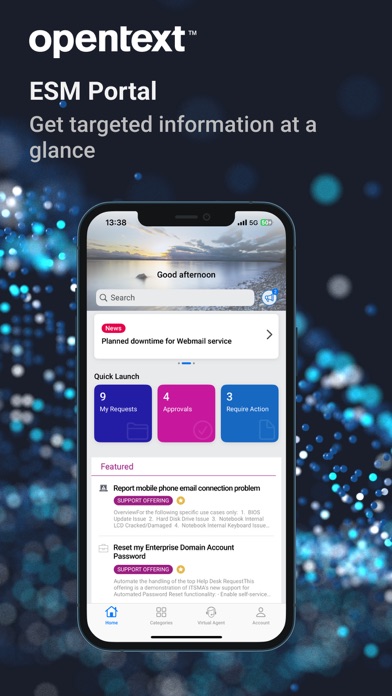
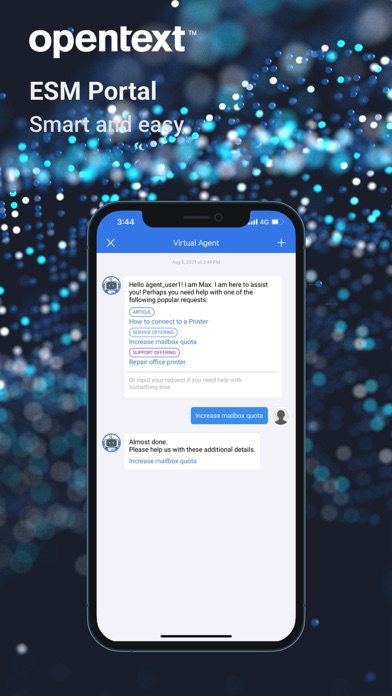
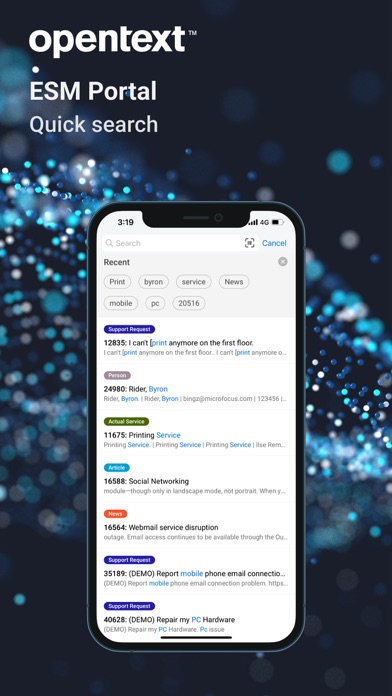
Service Portal mode helps end users quickly find services, submit requests, review approvals, and manage resolved tickets. Users can also access smart ticketing, Virtual Agent support, and multi-tenant environments.
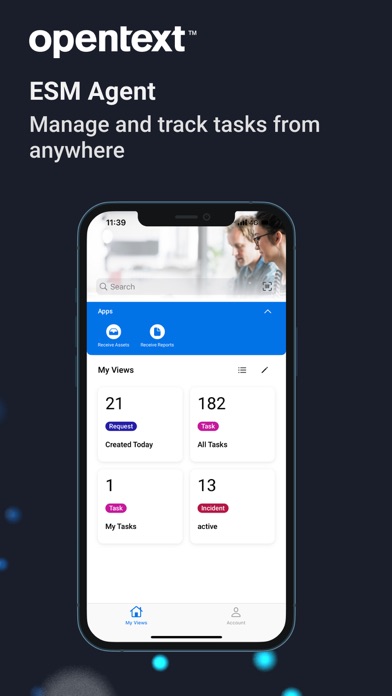
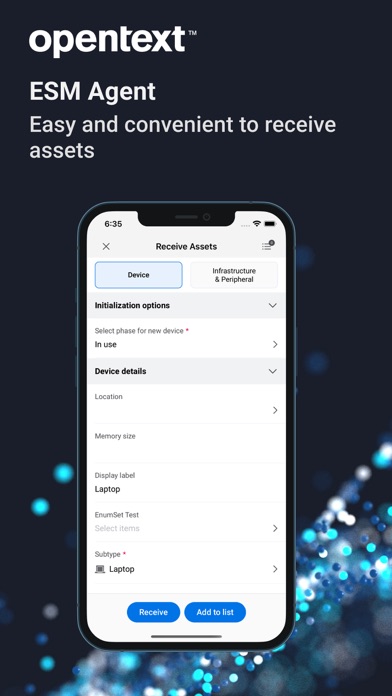
Agent mode helps support teams search requests and incidents, work from personal views, apply list filters, update records, post comments, and capture solutions. Agents can also view person details and contact users directly from the app.
Important:
OpenText Service Management connectivity is required. Activate the app using a QR code from your company’s Service Management website, or request an activation URL from your IT administrator.