
iPhone Screenshots


Description
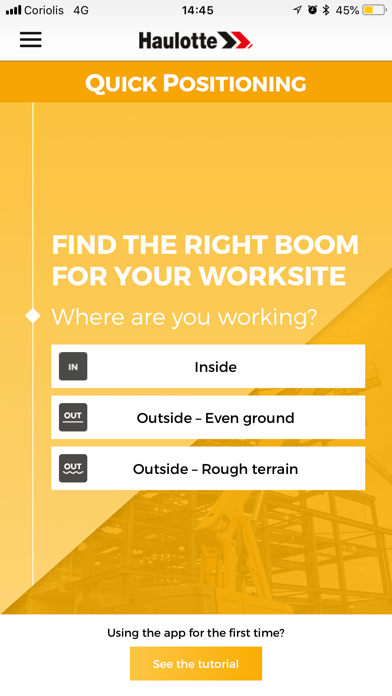
The Quick Positioning app helps you choose the most suitable boom lift for the work area you need to access.
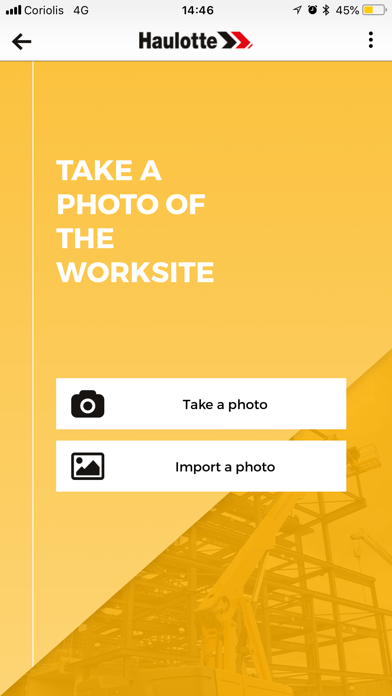
1/ First, you need to take a picture of the worksite including :
- the work area to access;
- an object of known height in the photo (door, window, person, etc.);
- the location of the boom.
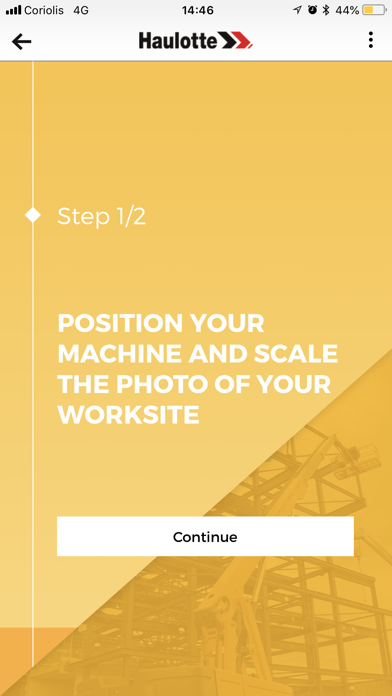
2/ Position the machine on the photo : move the wheel of the boom to indicate ground level on the photo.
3/ Scale your photo :
- Choose an object of known height in the photo (door, window, person, etc.);
- Specify the size of the object.
4/ Indicate the work areas to access including the horizontal outreach.
5/ Select the most suitable machine and perform a simulation.
6/ Save your selection by creating a custom report that you can save to your phone or send directly by mail.
Remark : A tutorial and a « help » button is offered at each step to help you get the best result possible.