
iPhone Screenshots
Description
Make your messages scrumptious with the Scrumchums Sticker Pack!
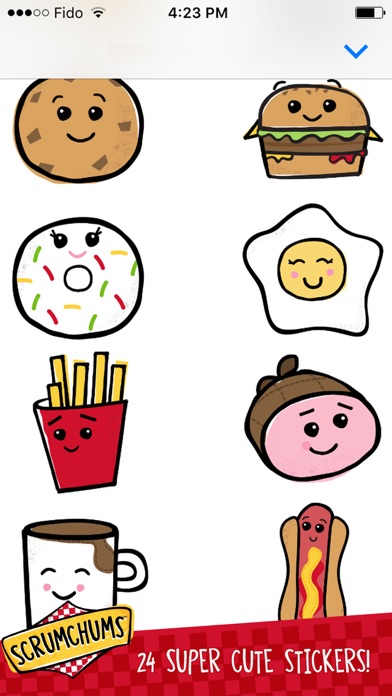
GANZ’ collectible plush line arrives on iOS as 24 super fun, super tasty characters to send to your Best Foodie Friend!
How to use:
- Open the iMessage app and go to an existing chat
- Tap the Art button next to the text input field
- Tap the icon for the Scrumchums Sticker Pack
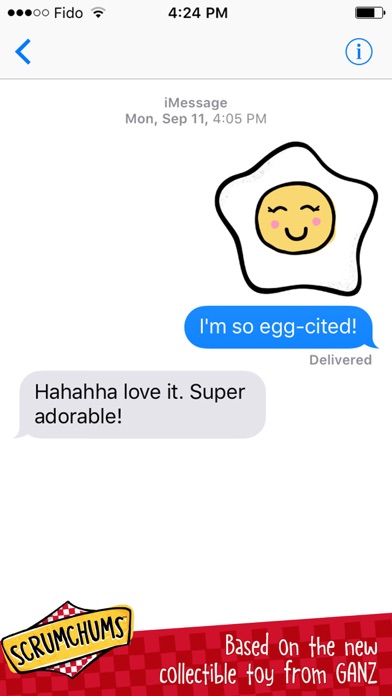
- Tap a sticker to send directly, or tap & hold to peel the sticker and place anywhere you’d like
- Send as many as you’d like!
http://www.scrumchumsworld.com/