
iPhone Screenshots
Description
Use in iMessage by tapping the Store icon and selecting . Press and hold a sticker to place it on messages, images, or other . Add favorites by scrolling right, tapping "More," editing, and selecting .
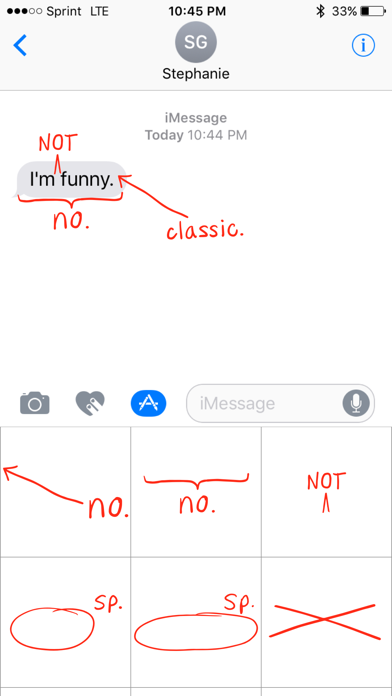
The perfect sticker app for being that friend.
How to use these stickers once downloaded:
• In an iMessage conversation, tap the App Store Icon to the left of your text input bubble.
• Tap the MessageBomb icon in the bottom bar.*
• Press and hold on a sticker to "peel" it and place it on anything in your conversation – bubbles, images or even other stickers.
*To add it to your Favorites, scroll all the way to the right of that bar and tap "More". Then tap Edit and tap the plus button next to MessageBomb.