
iPhone Screenshots



Description
[Overview & Features]
An easy-to-use, ultra-lightweight player designed for smooth continuous media playback.
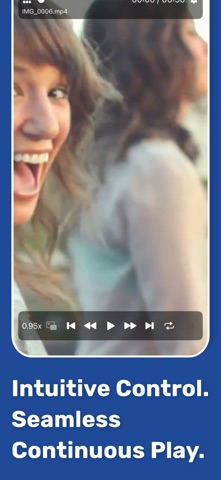
- Switch media instantly with intuitive swipe gestures and control playback with gestures such as short skips forward and back.
- Create playlists that mix video and audio, then play them continuously in the background.
- Resume playback or playlists naturally from where you left off.
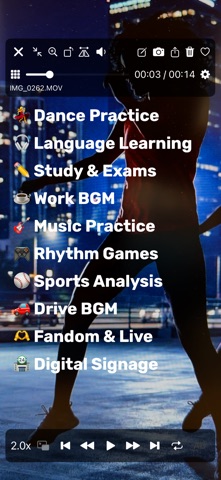
- Loop playback is ideal for in-store displays, demo videos, or background music.
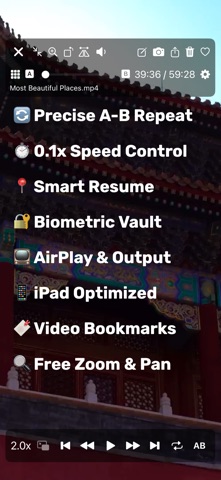
- Supports earphones, headphones, car controllers, AirPlay, and flexible iPad screen and multitasking modes.
[Play Directly from Files]
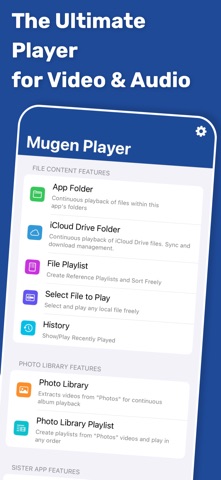
- Select media from a wide range of locations using the standard iOS file interface.
- Play directly from the original location without creating unnecessary copies in the app.
- Select multiple files for continuous playback, with playback history saved automatically for quick access.
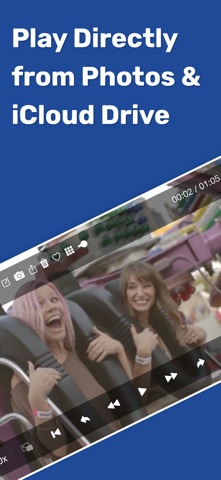
[Photo Library Playback]
- Play continuously by album and automatically select only videos.
- Supports all Photo Library videos, iCloud Shared Albums, and direct playback from iCloud Photo Library.
- Choose whether iCloud loading prioritizes speed or quality.
- Change playback order, filter by Favorites, toggle Favorites, and create or edit playlists.
[App Folder Playback]
- Play directly from the Mugen Player app folder without importing or registering files.
- Start continuous playback with a tap and sort by file name, size, or other attributes.
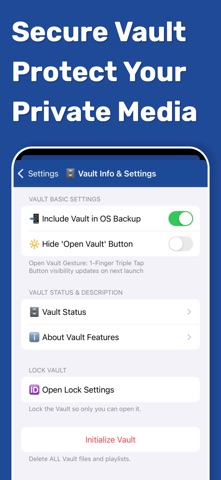
[Secure Vault]
- Store media in a protected area within the app.
- Restrict how the vault is opened, securely export items, and choose whether vault data is included in OS backups.
[Sister App Integration]
- Directly play recordings from Mugen Camera and Zero Camera.
- Installed apps and their folders are detected automatically, with no linking, importing, or registration required.
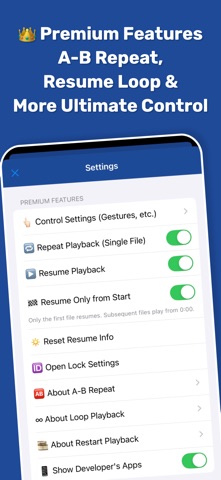
[Premium Features (Paid)]
- Hide advertisements
- Loop, normal repeat, and A-B repeat
- Resume and restart playback
- Customize gestures and button controls
- Lock with Face ID or Touch ID
See the in-app store for details.
[Supported File Formats]
- Supports formats natively playable by iOS and by the standard Files app.