
Smart Home Manager
Setup and manage your network
AT&T Services, Inc.
iPhone Screenshots



Description
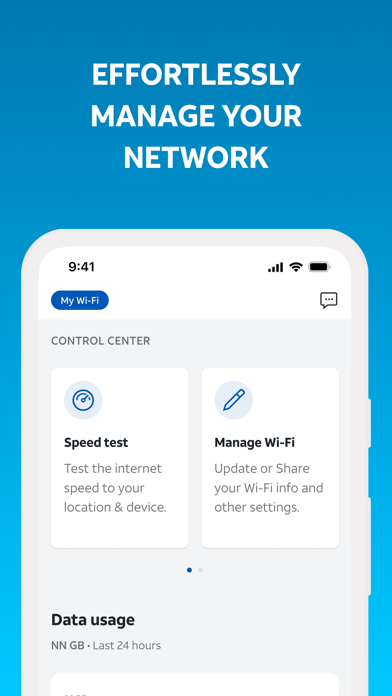
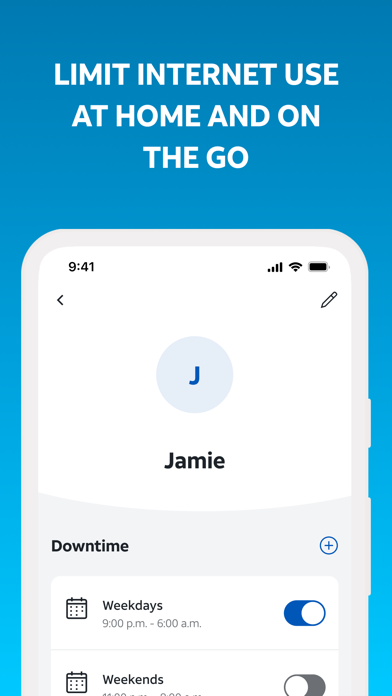
Manage Wi-Fi settings by viewing, updating, and sharing the name and password. Monitor connected devices, rename them, and add to profiles. Set downtime schedules to control screen time for family members.
The AT&T Smart Home Manager app will guide you through a simple self-setup process for your new service. It also provides all the tools you need to manage your network in one intuitive, user-friendly interface. Sign in with your AT&T User ID and password to get started.
App highlights:
• Easily view, update, and share your Wi-Fi name and password
• See what devices are connected, personalize each device name and add it to a profile
• Set downtime schedules to manage your family’s screen time or quickly and easily pause devices
• Get troubleshooting help and customized recommendations from our Virtual Assistant
• Get device and network protection with AT&T ActiveArmor℠ internet security
• Check your network health, get notified of issues and service outages, run speed tests, and more
AT&T Smart Home Manager is available to AT&T Internet service customers with a compatible AT&T Wi-Fi Gateway. Feature availability based on Wi-Fi gateway model, limited to Wi-Fi network.