
SAM Field
Submit data and access forms remotely
Surveying And Mapping, LLC
iPhone Screenshots
Description
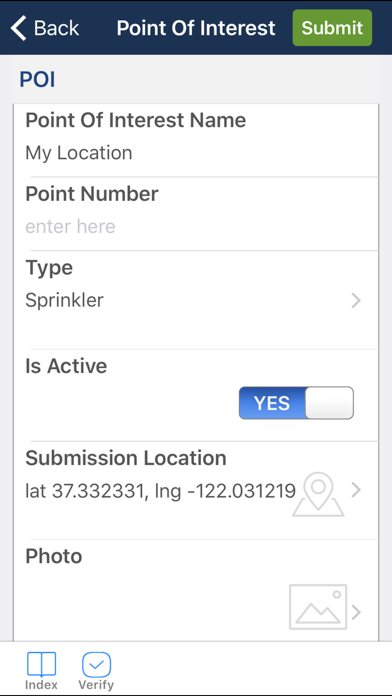
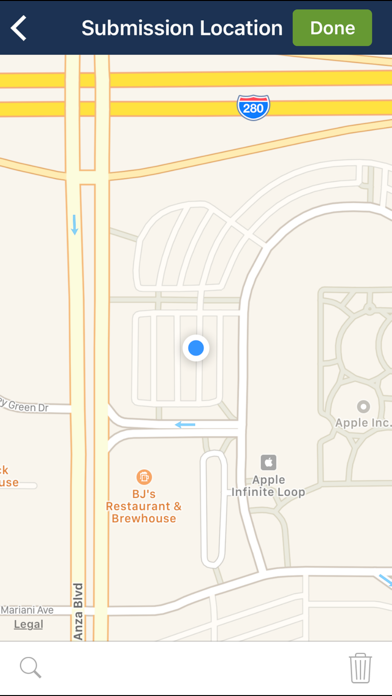
Access project-related forms and submit data through mobile forms. Customize forms to fit specific project needs. Store submitted data securely. View and manage forms offline with cloud synchronization. Share forms and data across team members.
This app enables SAM clients using iOS devices to access pertinent project-related forms and submit data to support their project needs using mobile forms.
Built using an industry leading proprietary platform, this cloud-based, paperless approach to field data collection allows our clients to utilize a workflow that maximizes speed, efficiency, accessibility of their project forms.
SAM can customize mobile forms to meet our clients' unique project needs and all submitted form data is stored in our own cloud with secure client access. Features of SAM Forms include:
• review and manage forms already submitted
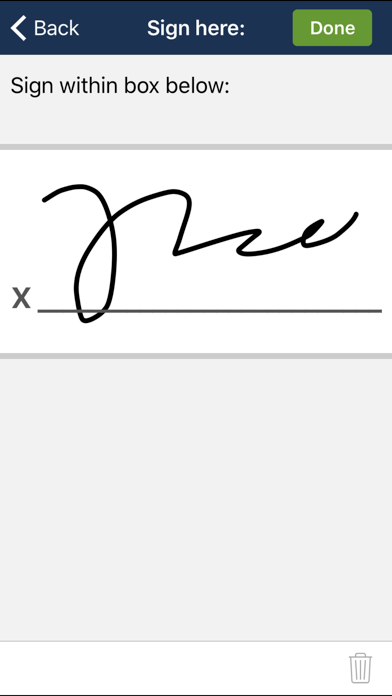
• include signatures and/or pictures with forms
• access to camera to include snapshots with forms
• enter forms without internet connection and auto-submit when a connection is available
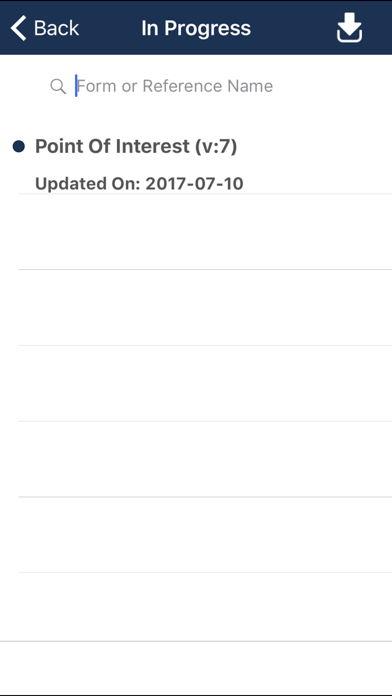
• multiple form types or forms in progress are available
• forms can be saved without submitting
With SAM Forms all your project field data can easily be submitted and accessed using iOS mobile devices you're already familiar with.
Users must be registered with SAM and validated as clients in order to utilize this application and access our cloud network. Getting started with SAM Forms is easy:
1) SAM Clients will be given an account and provided credentials.
2) Download the SAM Form app.
3) Launch the app and login with your credentials to access your custom project forms.