
Love In Air-Kiss,Love Sticker
Send stickers with a tap
Prashant Yadav
iPhone Screenshots



Description
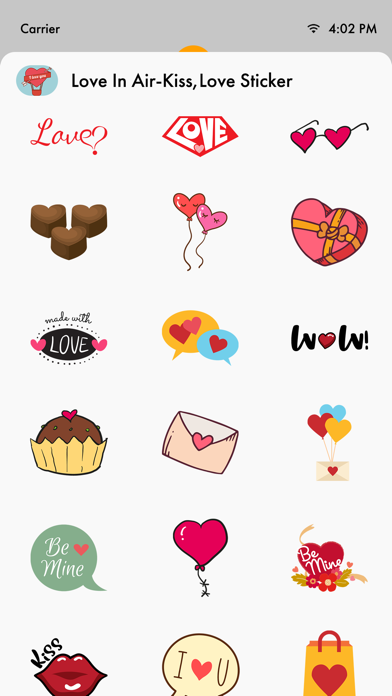
Send stickers to express feelings in iMessage. Choose from over 50 -themed stickers. Tap to send stickers directly. Add stickers to text by touching and peeling them off.
—> Expressing your love has never been this easy!!
Express your love with all new Love Stickers, Show him/her your true feelings.
More than 50 stickers to express your thoughts and feelings to your loved once!
Just with a single tap send stickers.
Simply touch and peel off the stickers to add them with your texts!!
How to Use:
- Open iMessage from your iPhone.
- Click on the Appstore icon for sending stickers.
- Select the Love In Air Sticker's.
- Just with a single tap send stickers.
- Simply long touch and peel off the stickers to add them with your texts!!