
iPhone Screenshots
Description
Validate your ID digitally with a quick and easy user experience.
Access Code Issues: Please contact the provider that invited you. Netki Inc cannot provide access codes directly to users.
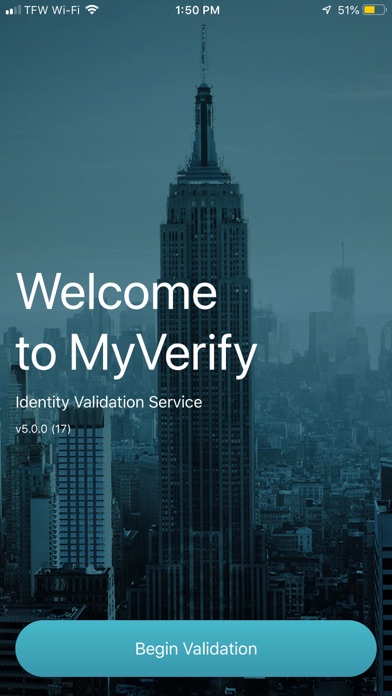
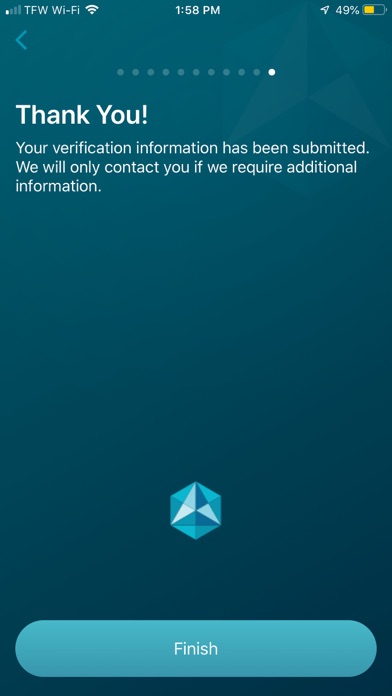
Complete MyVerify application process in 4 steps:
1> Enter your access code (issued, managed and supported by your provider)
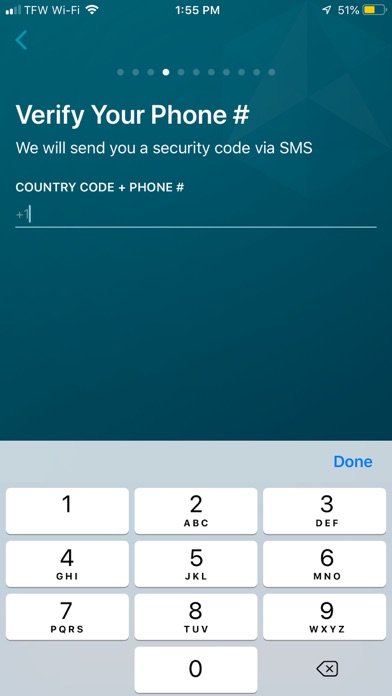
2> Validate your SMS & PIN
3> Take a photo of the front of your ID (and back, if applicable)
4> Take a photo of yourself
MyVerify onboarding application was built by: Netki
Netki is a technology provider for companies that need to complete KYC (Know Your Customer) and AML (Anti-Money Laundering).