iPhone Screenshots



Description
Learn to tell time by interacting with a 3D clock. Rotate clock hands and tap a crab to display and hear the time. Switch between Japanese and English audio using a national flag. Move a character to different locations and change the weather.
"Play with clock" has become 3D!
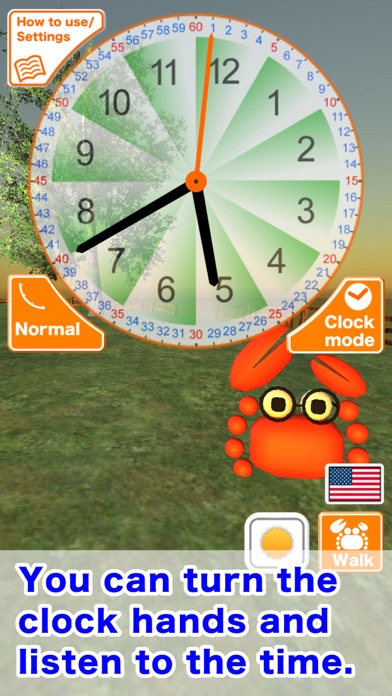
It is an app of the clock that you can turn all the clock hands, watch the time and listen to it.
Main function:
•You can turn all the clock hands.
•By tapping on a crab to display and listen to the time.
•By tapping the national flag to switch the display and voice in Japanese / English of time.
•You can operate Mr.Megani to move to your favorite place.
•You can change the weather.(It takes a few seconds for the weather to change.)
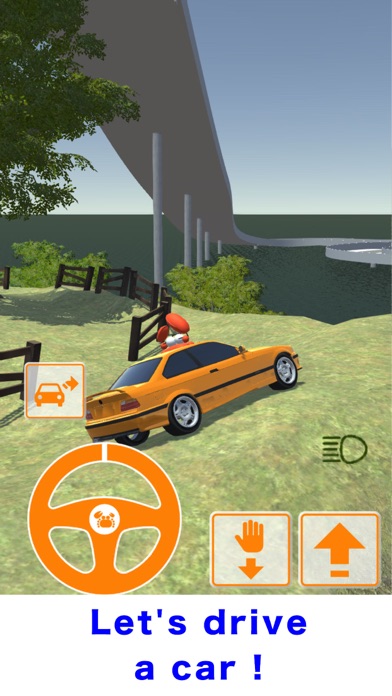
•You can drive a car! (If you can not find the car, you can reset the position on the setting screen.)
•You can see the aurora!
Even if you turn the second hand very fast, the sun moves only little by little.
But, when you turn the hour hand, the sun moves at a great speed.
By turning each hand, you can see the difference in speed.
*recommended: high-performance phone capable of displaying 3D graphics.