
iPhone Screenshots



Description
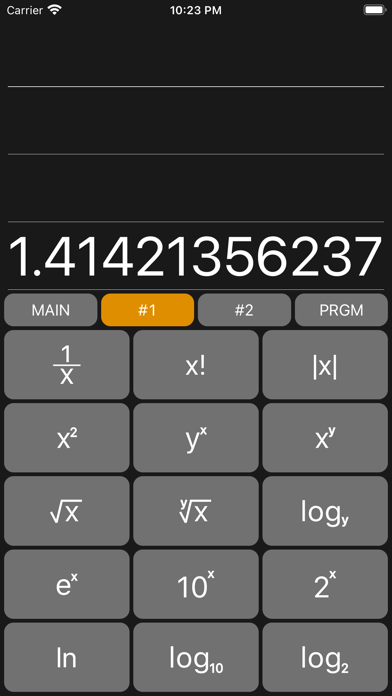
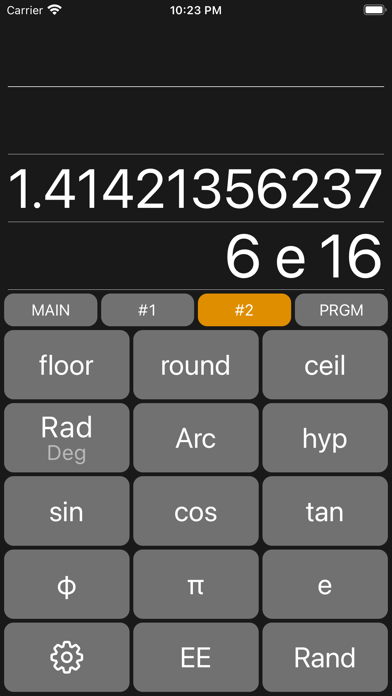
RPN calculator allows input using reverse Polish notation. Perform arithmetic operations with stack-based calculations. Adjust stack size and number format in settings. Access ENTER button as green up-arrow.
This is a simple RPN Calculator which can use on iPhone and Apple Watch.
*** Important! ***
This calculator uses reverse Polish notation for input, and the operation method is different from a normal calculator using infix notation.
If you don't know about RPN Calculator, you should not purchase this app.
How to use
- All devices
> Green up-arrow is ENTER button
> Stack size can be changed at Setting Screen
> Settings button is gear icon in keypad
> Can change number format from Settings.
- iPhone / iPad
> Stack view is scrollable and can show all values in the stack
> To delete a value in the stack, swipe left on the value in stack view and tap Delete button.
> To delete last typed digit, swipe right on stack view
> Swipe action can be modified at Settings Screen
> Programs trace key operations registered in Program Settings Screen
> Setting button is replaced as other actions button while editing programs
- Apple Watch
> To show values in stack, swipe down on anywhere on the screen
> To back to main screen from stack view, swipe up on the screen
> To show scientific operators, swipe up on the screen
> To back to main screen from operators screen, swipe down on the screen
> Stack view and program view is scrollable with digital crown
> To delete last typed digit, swipe right on anywhere at Main screen
> Program view shows all programs registered in iPhone. you can't register new program on Apple Watch