
iPhone Screenshots



Description
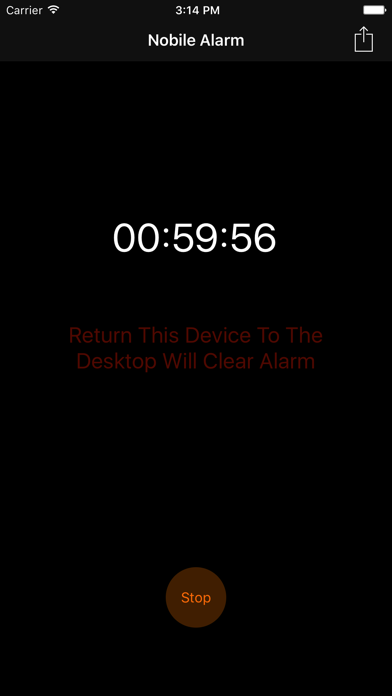
Set focus intervals for or study. Place phone horizontally on a desk. Tap start to lock screen and disable phone use. Track progress and manage sessions.
You can use this app to alarm you not to use mobile phone when you're working or studying.
Step:
1. Select a time interval you want to focus on working.
2. Put your phone on a horizontal desktop.
3. Tap the start button.
4. Lock your device screen directly.
5. Start and focus on your work or study.