
Solving Linear Equation
Solve equations and view graphs
Glindemann, Sennoun, Langer GbR
iPhone Screenshots


iPad Screenshots
Description
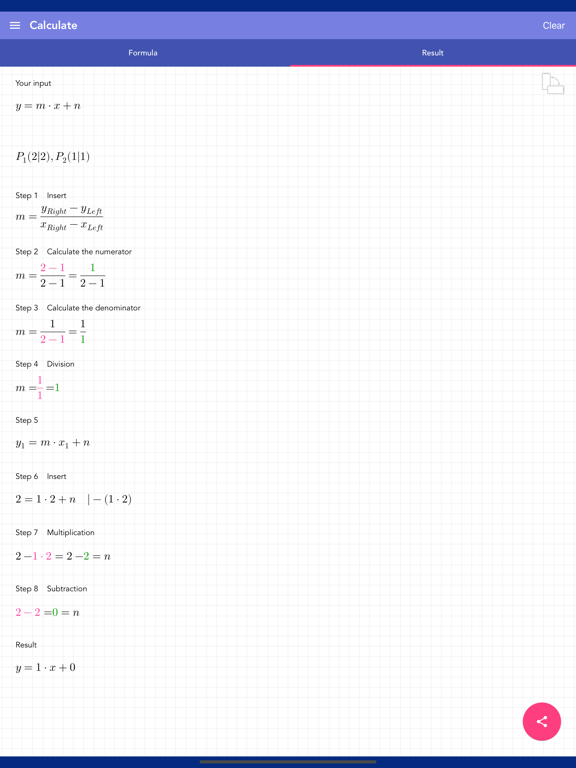
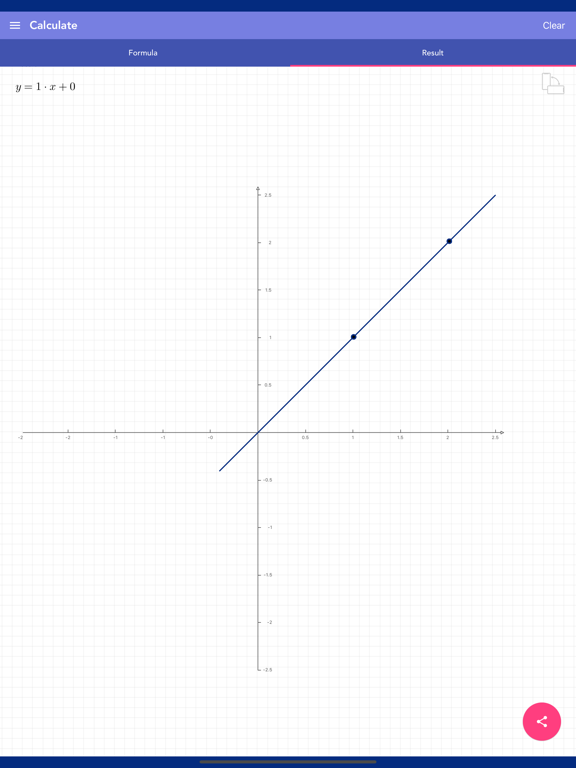
Solve equations using two points, one point and slope, or coordinate values. Input decimals and fractions. View step-by-step solutions and plot results. Save calculation history and share final solutions.
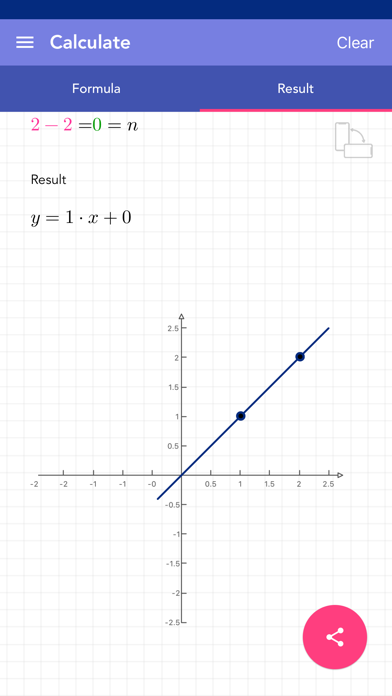
This app solves linear equations step by step and plots the result. All the performed calculations are stored in the history. Just enter m, n or two coordinate points and the equation is solved. The final solution can be shared.
[ What you get ]
- solving logic for different inputs like:
- two points
- one point and slope
- one point and intersection with axis of ordinates
- linear equation and x coordinate
- linear equation and y coordinate
- the input supports decimals and fractions
- plot of the result
- history function that keeps your given inputs
- full solution shown in all necessary steps
- option to remove ads
[ How to use ]
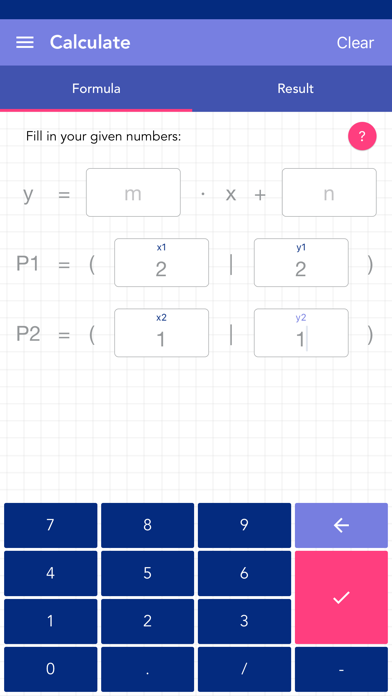
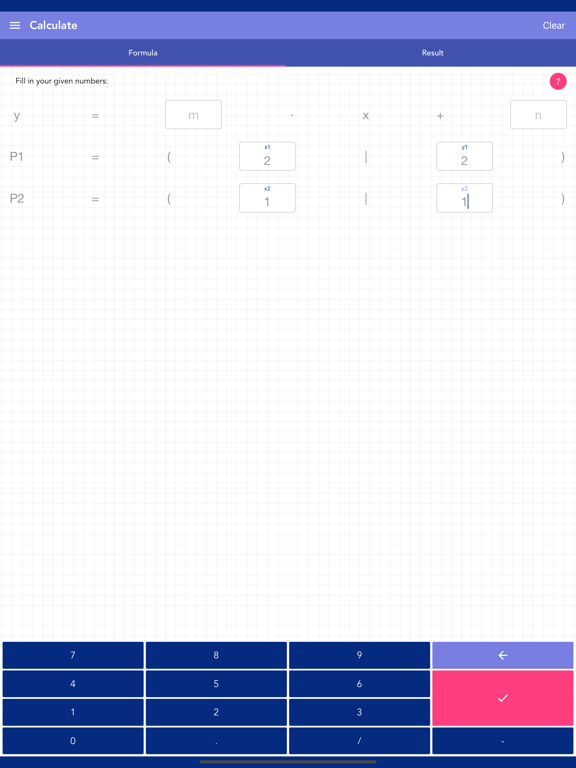
- there are 6 fields where you can insert any value with a modified keyboard
- m for the slope
- n for the intersection with the axis of ordinates
- x1, y1 and x2, y2 as coordinates for the points
- if you enter 3 or 4 values (depending on the calculation you need) and hit the calculate button, the app switches to the solution page
- when you hit the calculate button without giving enough values, the app marks it as yellow
- when you hit the calculate button with giving invalid values, the app marks it as red
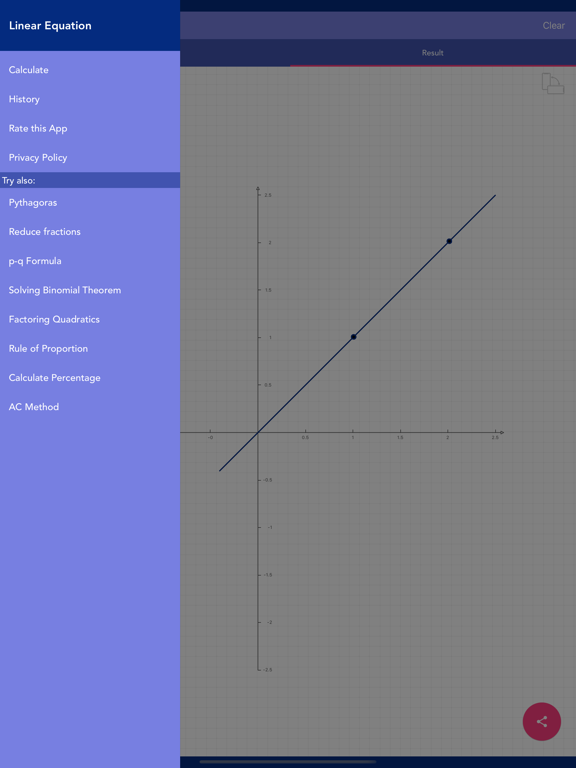
- you can tap and/or swipe to get to the solution or history page
- the history entries can be deleted or put in order manually
- if you click on one history entry, the app will load it to the inputs
- you can delete all history entries by using a button
App information from Apple App Store. Solving Linear Equation and related trademarks belong to Glindemann, Sennoun, Langer GbR.