
Me To You Dinky Bear
Send stickers and add fun to messages
Smart Grou, OOO
iPhone Screenshots


Description
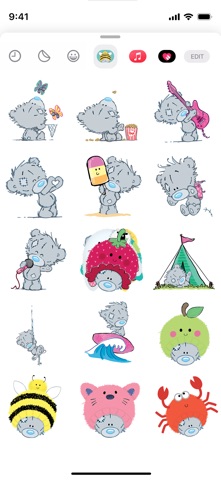
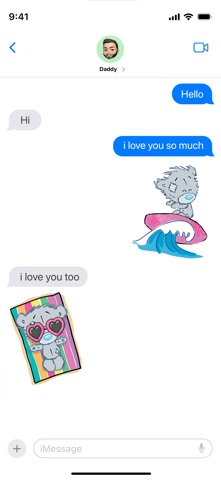
Add stickers to messages by opening a conversation and tapping the “>” button. Select the sticker pack to access over 21 different images. Tap to insert a sticker into the message.
Add some fun to your messages with these fantastic My Dinky Bear iMessage stickers. Each sticker features a different Dinky in a bright, fun theme.
These colourful stickers are sure to bring a smile to whoever they’re sent to. Over 21 different stickers to choose from!
To find your stickers
Step 1: Open a message with a friend and tap the “>” button to the left of the text box.
Step 2: Tap the app button that appears (It looks like an “A”) and then tap the button that looks like four circles in the lower left of your screen to open the iMessage app drawer.
Step 3: Tap the My Dinky Bear icon and start sending stickers!