
ReadAnywhere
Read, highlight, and submit assignments offline
McGraw-Hill Higher Education
iPhone Screenshots

Description
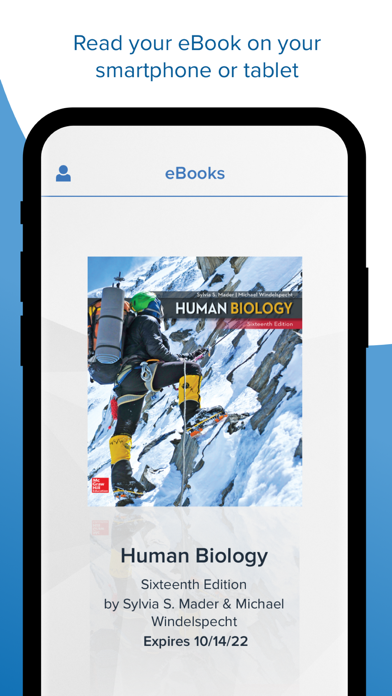
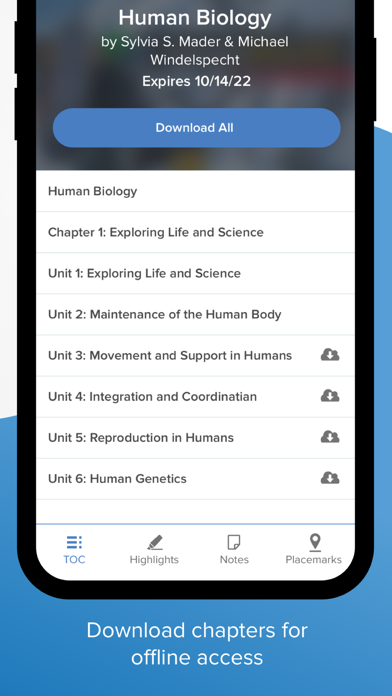
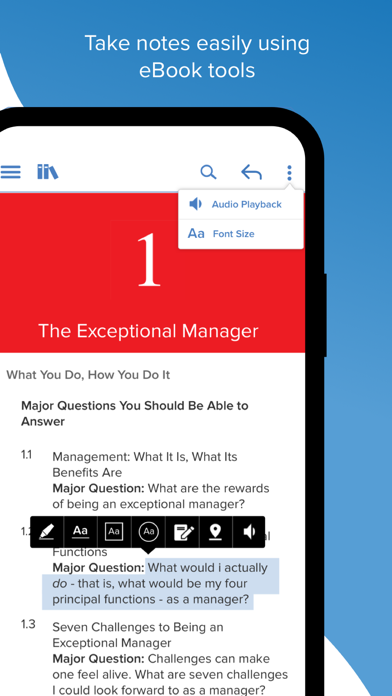
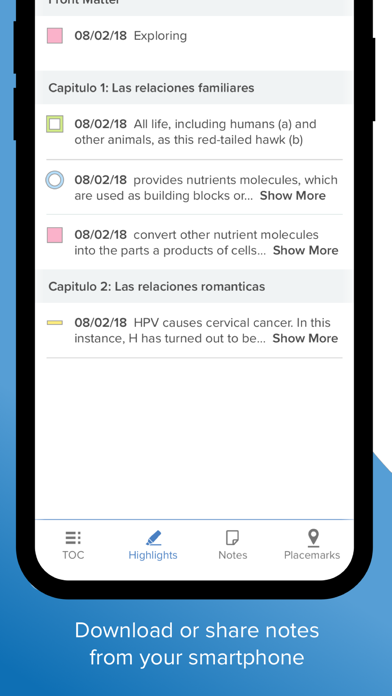
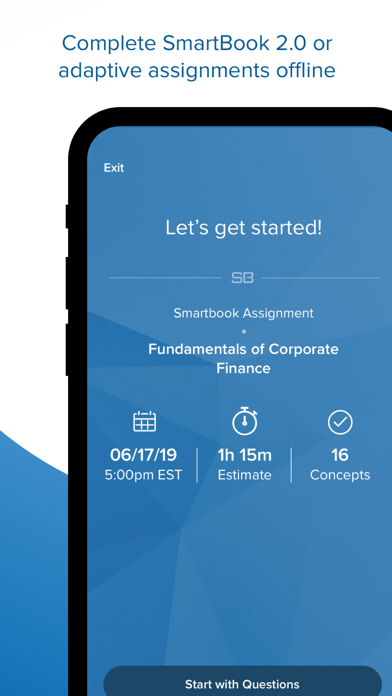
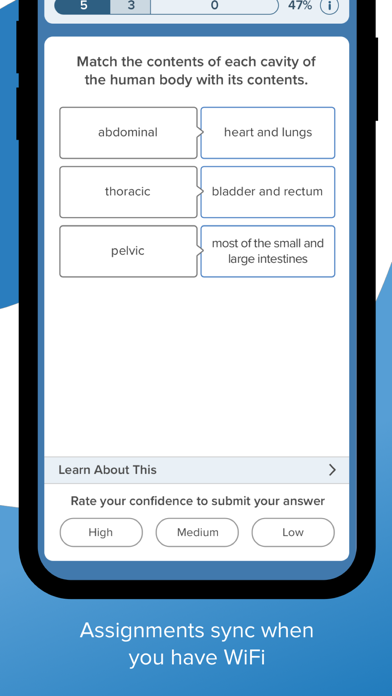
Read books and study materials offline with note-taking and highlighting features. Sync notes and assignments when online. Access eBook content and adaptive assignments through a login with McGraw Hill Connect or eBook credentials.
Read or study when it's convenient for you with the McGraw Hill ReadAnywhere app. ReadAnywhere gives users access to McGraw Hill tools including the eBook and adaptive assignments in Connect and the McGraw Hill eBook. Take notes, highlight and complete assignments offline - all of your work will sync next time you open ReadAnywhere when online. Log in with your McGraw Hill Connect or McGraw Hill eBook username & password to start learning – anytime, anywhere!