
iPhone Screenshots
Description
iOS App to work with Standupmedia's Clubman in-house ticketing system. Scan tickets and checkin with this app for all iOS devices.
Step how to use ClubManApp
1. Download app from App store.
2. Add user to Clubman system
3. Open app on iOS device
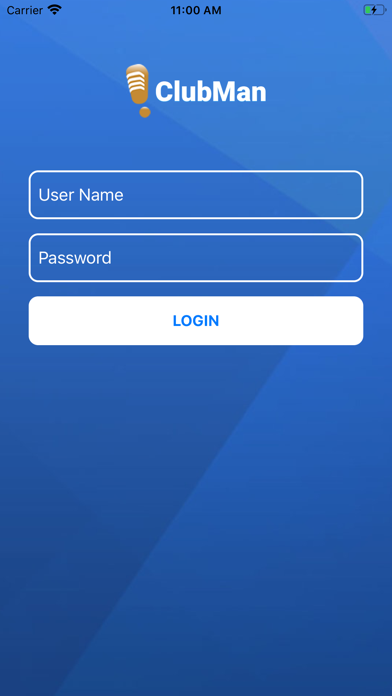
4. Click on club_man logo,Enter database name and location,user,username and password.
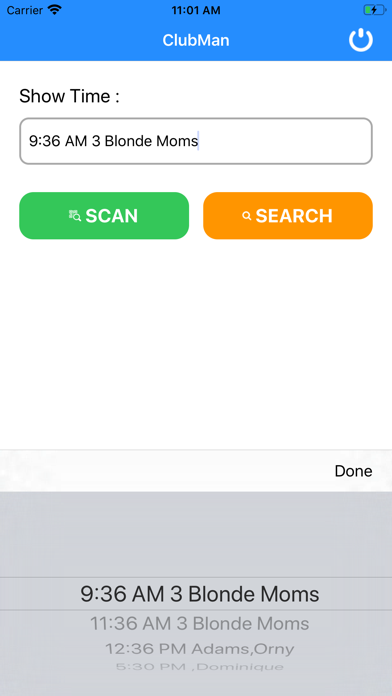
5. Select showtime
6. Scan tickets from hard copy ticket, mobile device or Apple Wallet
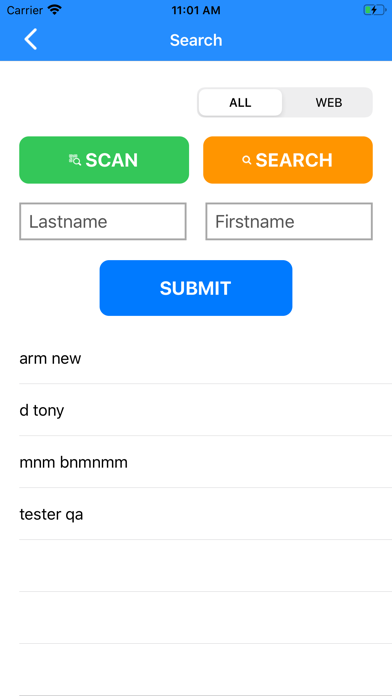
7. If ticket is not present search with name by entering all or part of name
8. Submit if searching
9. This will pull up reservation and show the following Section, Table Number (if assigned), number in party, amount paid, tickets remaining
10. Use the Plus + or Minus - buttons to raise or lower amount checking in
11. Checkin
This will synchronise with your online and desktop to reflect number checked in