iPhone Screenshots


Description
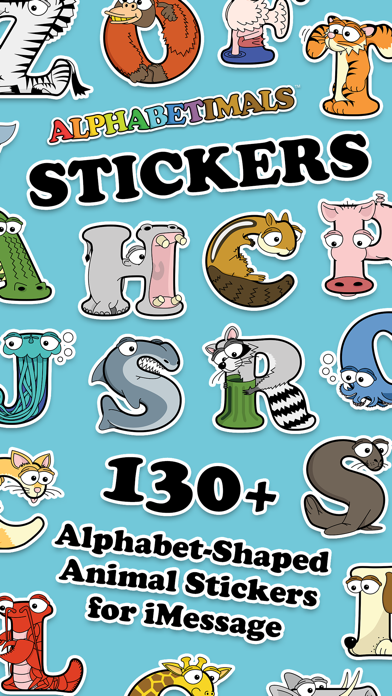
Use animal-themed to personalize messages. Select from 130+ featuring animals per letter. Drag and drop into text. Share via iMessage or SMS.
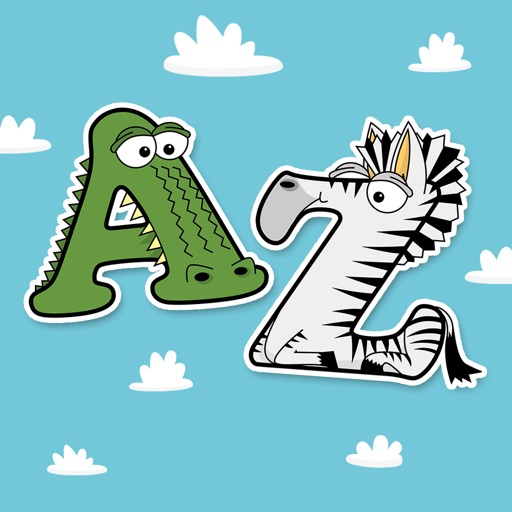
The web's most popular animal alphabet, the Alphabetimals, are now available as FREE iMessage stickers! Now you can stick these cute cartoon animal emojis to texts and SMS's to make them more unique and memorable.
Pick from over 130 stickers, with up to 10 animals per letter. Choose from pets like dogs, cats, fish, and birds to more exotic animals like lions, tigers and bears - oh my!
Send your favorites directly from the emoji keyboard or write words with them by holding, dragging, and sticking them on sent texts and images. Be creative!
Visit our website www.alphabetimals.com or follow us on Facebook or YouTube. Contact us at [email protected] for feedback or questions.
How to use
-----------
1. Open iMessage and select a friend to text.
2. Tap the little gray box with the ">" arrow, just to the left of the text box you type your message in.
3. Tap the blue App Store icon that now appears to the left of the text box.
4. Swipe left or right to find the panel with the Alphabetimals Stickers.
5. Tap a sticker once to send it as a single image OR press, hold and drag multiple stickers over one of your previous text or photos to write words with them.