
iPhone Screenshots

Description
Simple Ethernet Monitoring – Right in Your Menu Bar
Ethernet Status Lite is a streamlined utility that lets you instantly see your wired network connection status and IP address, without opening System Preferences.
Ideal for users who just want the essentials, the Lite version is fast, focused, and free of distractions.
++Core Features
— Live Ethernet Connection Status
— Local & Public IP Display
— Menu Bar Integration for Quick Access
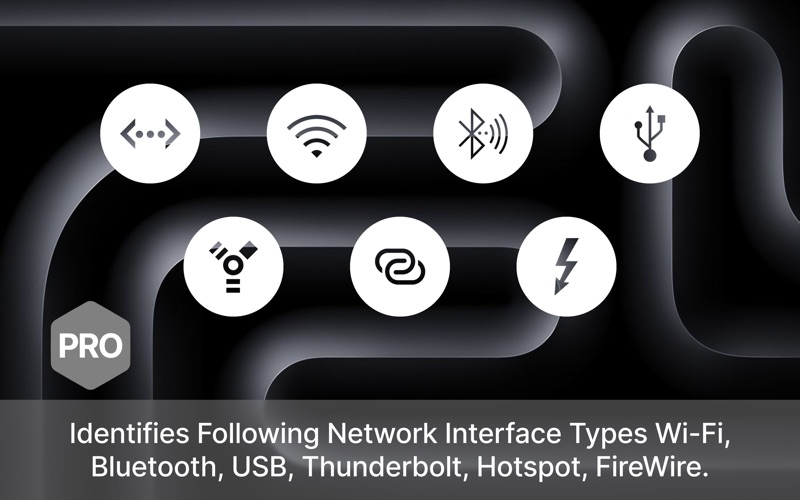
— Works with USB, Thunderbolt & Built-in Ethernet
— Lightweight Utility Designed for Performance
≈ Features: ≈
◎ See the Status, IP address of the Ethernet Adaptors
◎ Get the public IP address.
◎ Thunderbolt and Firewire Support
◎ Retina Display enabled icons
◎ Option to see and copy IP / Mac of Wifi Adapter
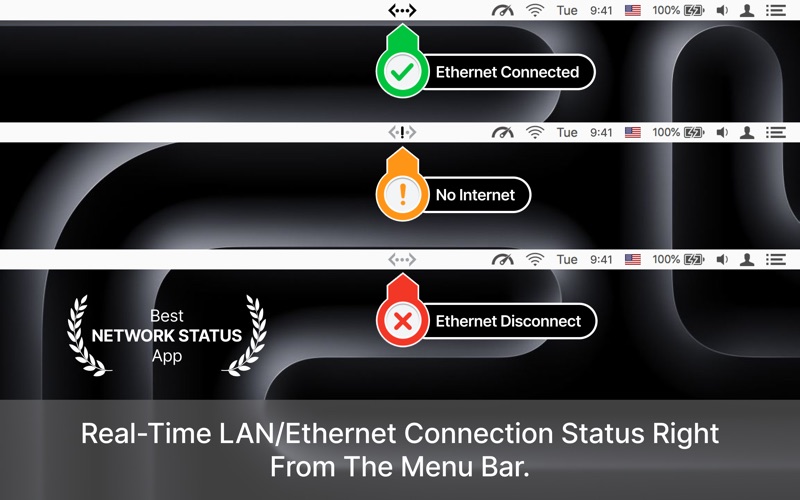
◎ Colour icon to identify internet connection
– Green colour: Interface connected and to the internet
– Yellow colour: Interface connected but with no internet
– Red colour: Interface is not connected and also no internet.
▸ Works with MacBook Air(M1), MacBook Pro(M1), iMac, MacBook, Mac Pro, Mac Mini.
▸ Comparable with the external adapters via thunderbolt and C type ports.
▸ Shows your Public IP address
▸ Support for Thunderbolt, Firewire and retina icons!!!
≈≈ Features in PRO version: ≈≈
If you are looking for pro features like other details of ethernet/internet status, please check our app with the same name and icon.
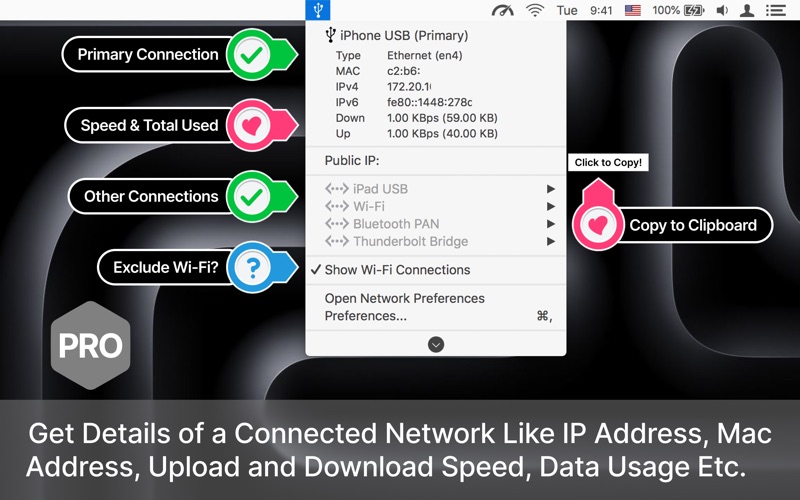
◉ Shows IPv4 and IPv6 addresses
◉ See the status of all active interfaces based on the user priority
◉ Upload and Download speed for each adapter.
Who It's For
Users who prefer wired connections for stability
Anyone needing quick access to their IP address
Developers, network engineers, and remote workers
Keep your Mac connected and informed—without bloated system tools.
Download Ethernet Status Lite and instantly gain Ethernet visibility on your desktop.
If you have any question, suggestion, feedback please contact us at [email protected]
◎ Note: Data usage counters are reset on reboot.