PDF Voice Reader Pro Translate
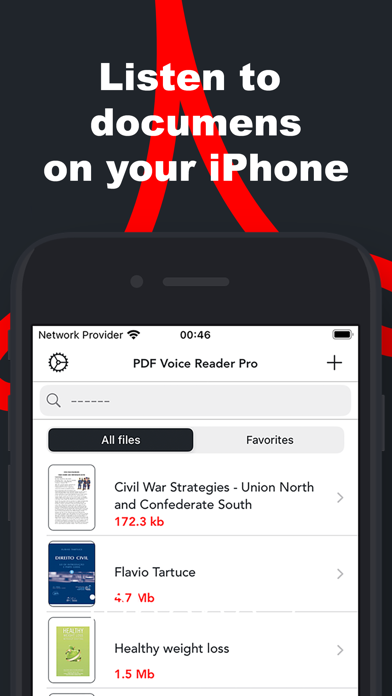
Listen to documents, adjust speed, customize
Igor Stuglis
iPhone Screenshots


Description
Convert PDFs, Word files, and other documents into natural-sounding audio. Listen anywhere with background playback. Adjust speed and settings. Sync documents across cloud services. Bookmark content, text, and choose from multiple voices.
Give Your Eyes a Break—Listen Instead!
PDF Voice Reader converts your PDFs, Word files, and more into natural-sounding audio. Perfect for studying, commuting, or reducing screen time.
Key Features:
• Listen Anywhere – Background playback for multitasking.
• Fully Customizable – Adjust speed, voice, and skip headers/footers.
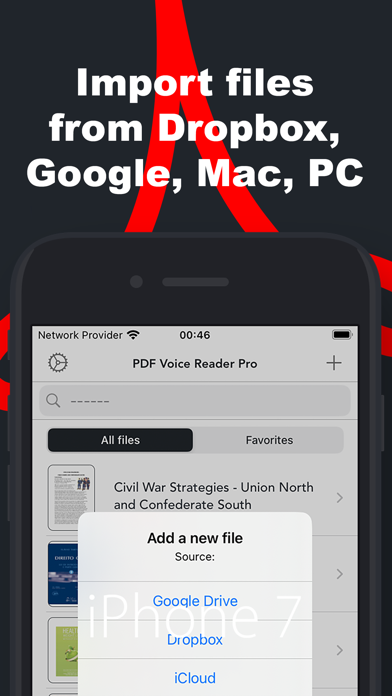
• Cloud Sync – Works with iCloud, Dropbox, Google Drive & more.
• Smart Tools – Bookmarking, text translation, and multiple voice options.
• Document Translation – Convert text into different languages.
• Accessibility-Focused – Ideal for students, professionals, and visually impaired users.
• Listen to online content—paste a URL, and the app reads articles, blogs, and webpages aloud!
Following formats are supported:
• PDF.
• Microsoft Documents.
• Rich Text Format.
• Plain Text.
Turn reading into listening—download PDF Voice Reader today!