
Popsical Karaoke
Control device, browse songs, explore playlists
Charaku Pte Ltd
iPhone Screenshots


Description
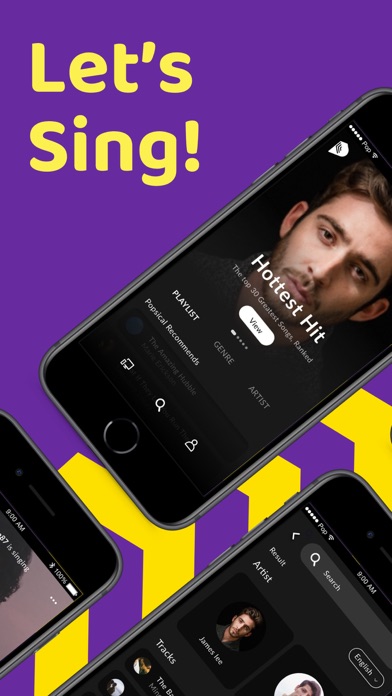
Control device via Party Code pairing. Add songs to play queue and start sessions. Set master volume. Navigate TV . Browse song library and curated playlists.
Users can control the Popsical device using this Popsical Karaoke remote app.
You can also browse thousands of songs in our library and explore our curated playlist that suits your karaoke taste. Once this remote app paired to your Popsical device using a Party Code, you will be able to:
* Add songs to the Play Queue and start a karaoke session on the Popsical device. (This app does not have video playback, it's only on your Popsical device)
* Set master volume,
* Navigate Popsical TV app
* Play/pause a song
* Go to next track
* Go back to previous track
* Set speed and pitch