
The Milford Bank Business
Manage accounts and view transactions
The Milford Bank
iPhone Screenshots



Description
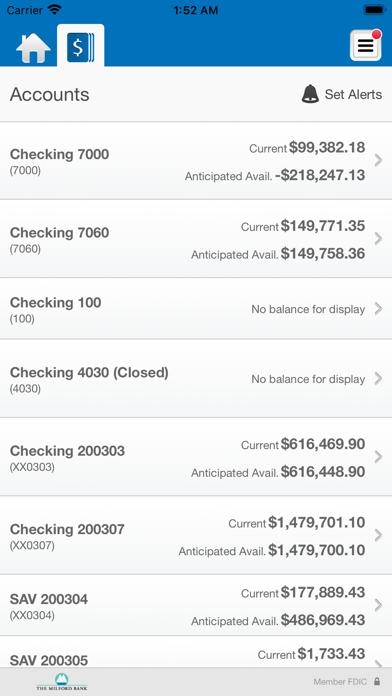
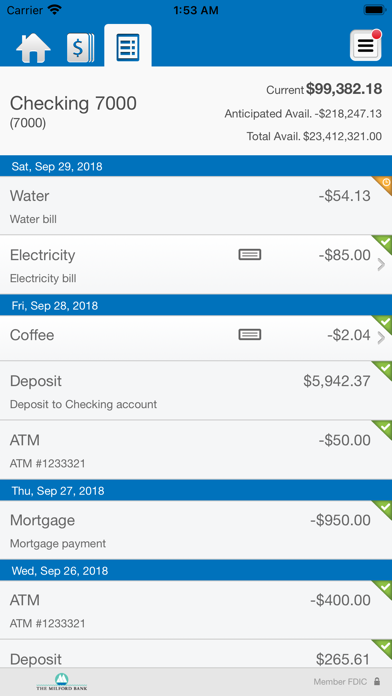
Check account balances and view recent transactions, including check images. Transfer money between accounts. Deposit checks by snapping photos and review deposit history. Approve transactions and manage account settings remotely.
Bank conveniently and securely with The Milford Bank’s Business Mobile Banking. Now you can manage your business finances anytime, anywhere - from your mobile device. TMB Business Mobile Banking is free* and simple to use!
Manage Your Accounts:
• Check business account balances
• View recent transactions, including check images
• Transfer money between accounts
Deposit Checks:
• Deposit checks by snapping a picture of each check
• View deposit history in the app
Review and Approve:
• Approve transactions scheduled through Business Online, including fund transfers, ACH transfers and wire transfers
• Receive alerts when approvals are pending
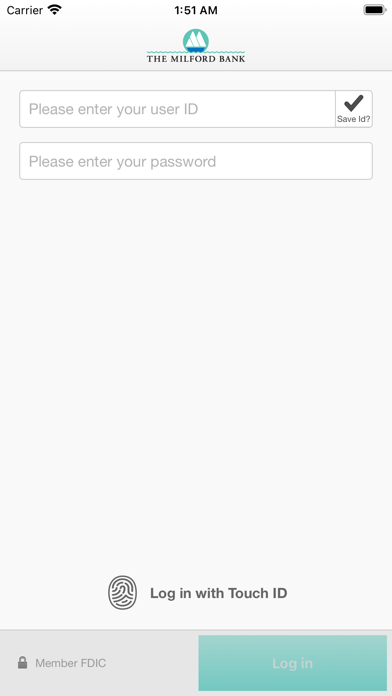
Getting started is easy. Simply download the app and sign on with your Business Online Banking user credentials. If you are not enrolled in Business Online Banking, please contact us at [email protected]. For more information about The Milford Bank’s business mobile services, please visit www.milfordbank.com/online-banking-for-business or call us at 203-783-5700 or 800-340-4TMB
*The Milford Bank Business Mobile Banking is free; however, your mobile phone service provider may charge for text messages and/or web access. Please check your plan for details. Carrier plan may limit access outside the US. The Bank cannot be held responsible for the availability or speed of your mobile phone service provider’s network. Mobile network or WIFI connection required.