
2FA Authenticator (2FAS)
Enable 2FA to secure your login
Two Factor Authentication Service, Inc.
iPhone Screenshots
Description
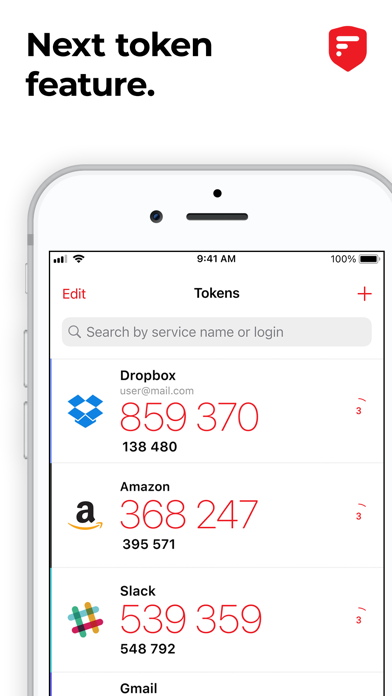
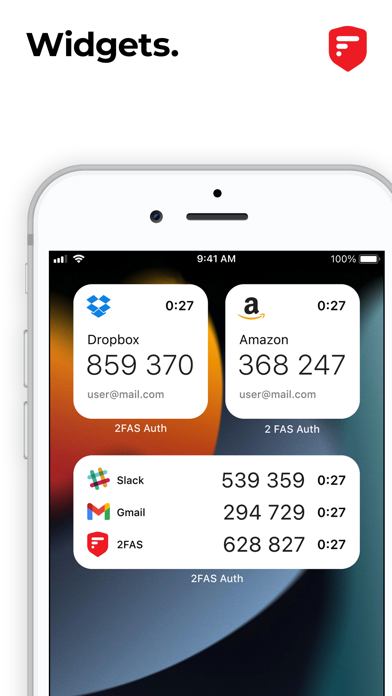
Enable two-factor authentication for account security. Verify identity with time-based one-time passwords. Backup tokens for recovery. Protect access with passcode or biometrics. Sync across devices. Open-source and community-driven.
2FAS is the easiest way to enable two-factor authentication (or multi-factor authentication) to verify your identity and securely log in to accounts to keep your personal data and passwords protected from cyber threats — all from one app, 100% free!
The world’s most secure, private, and simple 2FA app.
Secure:
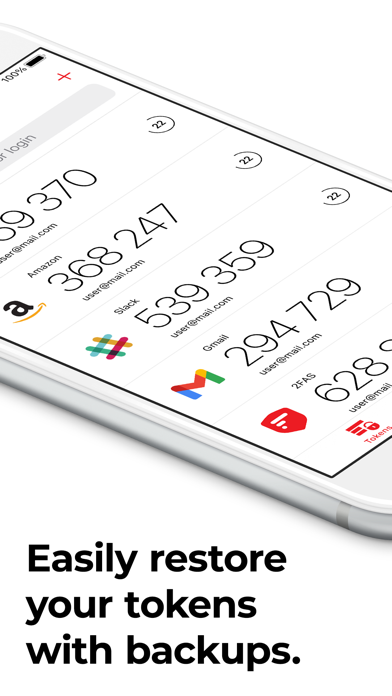
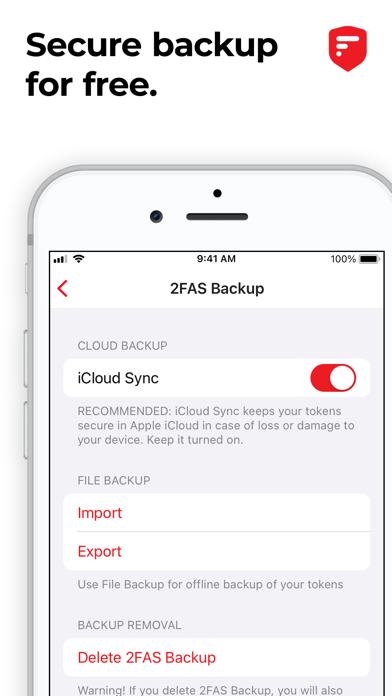
• Easily restore your tokens with backups.
• Add app protection with your passcode or biometrics.
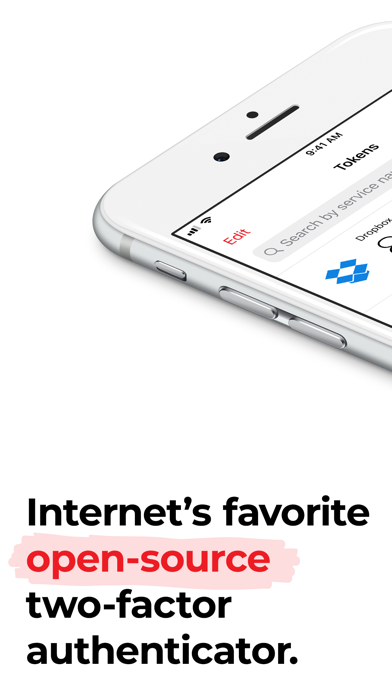
• 2FAS is open-source, transparent, and community-driven.
Simple:
• 2FAS syncs across your mobile devices.
• An interface designed for simplicity.
• One-tap authentication with 2FAS Browser Extensions.
• Multi-language support.
• Quick guides for setup and support.
Private:
• 2FAS works offline.
• 2FAS doesn't store any passwords or metadata.
• 100% anonymous use, no account required.
It’s not too late to protect your data, so what are you waiting for? Protect your online accounts and services now with TOTP and HOTP algorithms.
Start using the 2FAS authenticator app today!
If you have any questions, talk with us on our Discord server: https://discord.gg/q4cP6qh2g5
Learn more about 2FAS:
• Check our GitHub repository: https://github.com/twofas
• Visit our website at: https://2fas.com/
• Follow us on X: https://x.com/2FAS_com
• Subscribe on YouTube: https://www.youtube.com/@2FAS