
H-E-B Go
Scan items, bag them, checkout faster
H.E. Butt Grocery Company
iPhone Screenshots
Description
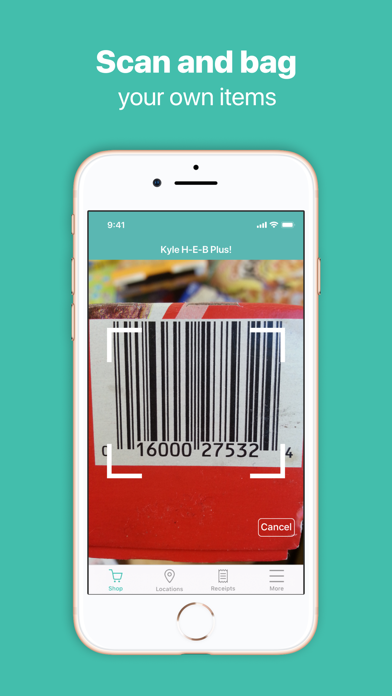
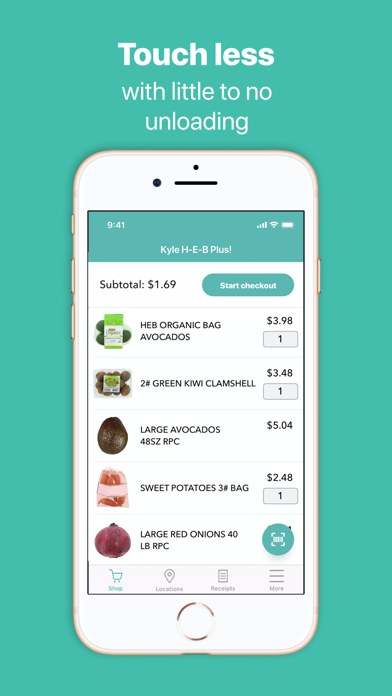
Scan items as you shop to track purchases in real time. Add items to your cart digitally. Reduce in-store contact by skipping checkout lines. Sync with your HEB account for account management and payment options.
With the app, you can scan and bag your own items as you shop, make less contact with others, and save time at checkout in any lane.
Get started by launching the application at an eligible *H-E-B location, then log in with your HEB.com credentials or create a new account.
*Piloting at select locations.
Once you have created an account, then:
1. Scan and bag as you shop
Use your mobile device to scan your items as you place them in your cart or bag. The app will track your items as you shop, and you can add or remove products before finalizing your purchase.
2. Head to checkout
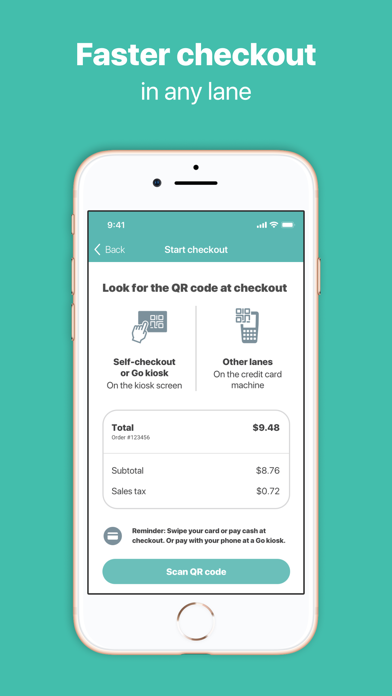
When you’re done shopping, head to self-checkout. At self-checkout, the kiosk screen will guide you through the checkout process.
3. And Go!
Pay as you normally would, grab your receipt and go! Or if your store has an H-E-B Go kiosk, check out by scanning the kiosk’s code and paying with the app.