
OK Video - Clips Camera
Record videos with one tap and share
pixelrock
iPhone Screenshots

Description
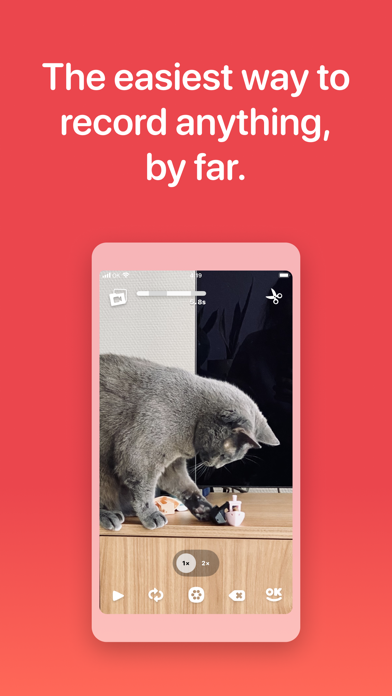
Record videos by tapping and holding the screen to capture multiple . Save or share videos directly. Edit to remove mistakes, reorder shots, or adjust timing. Create vlogs, stop motion videos, or capture moments quickly.
Tap. Record. Share. OK Video is the simplest video camera you have — and there’s no need to edit. Just tap and hold the screen to record as many shots as you want.
It’s the fastest way to create a vlog, stop motion video, or just capture what’s happening right now. Save to your phone or share it with anyone!
Still need to change something? It’s easy to remove mistakes, reorder shots, or tweak the timing in the Editor.
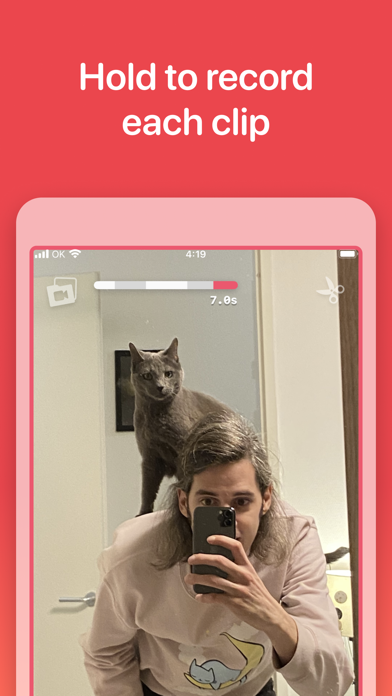
TAP TO RECORD
Tap and hold the screen to record the highlights so you don’t have to edit — with no limits but your imagination.
EASY SHARING
Just tap OK to save or share your video anywhere.
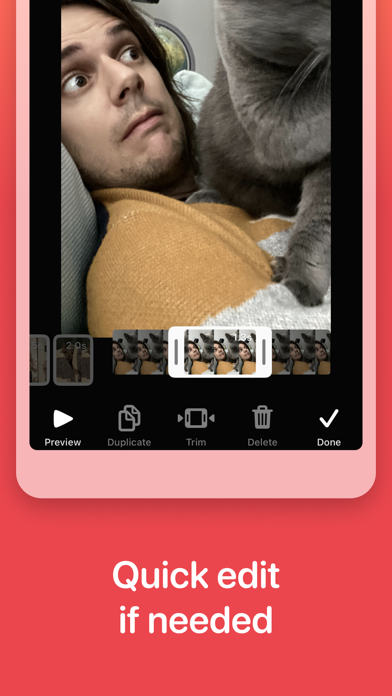
QUICK EDIT IF NEEDED
Need to perfect your project? Just trim, reorder, duplicate, or delete your clips with a tap.
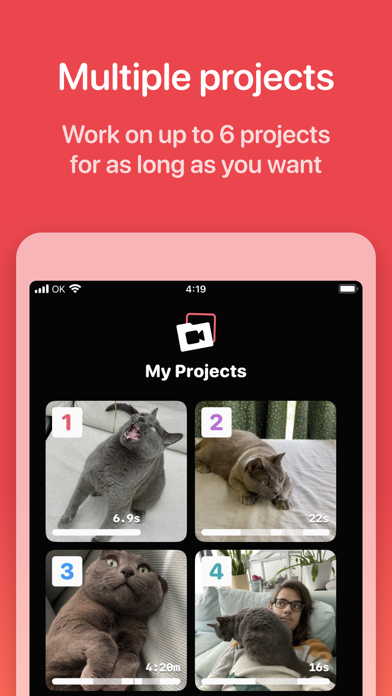
NOT DONE? NO PROBLEM
Up to 6 projects means you can finish things whenever you’re ready — and instantly access them with the home screen widget.
PRIVACY FIRST
No tracking. No analytics. Just your videos, on your device — until you decide to share them.
OK Video is a unique little app that takes your time seriously and never bugs you about cookies, subscriptions, ads or with other nasty practices. Hopefully you’ll have a great time making OK videos, and if not: please don’t hesitate to reach out!