
iPhone Screenshots



Description
1.This software is supposed to be used along with see-time Socket.
2.When you tu use the APP for the first time, you need to restore the data to factroy values, add new devices in the APP, and connect see-time to the same WiFi network as your cellphone does.
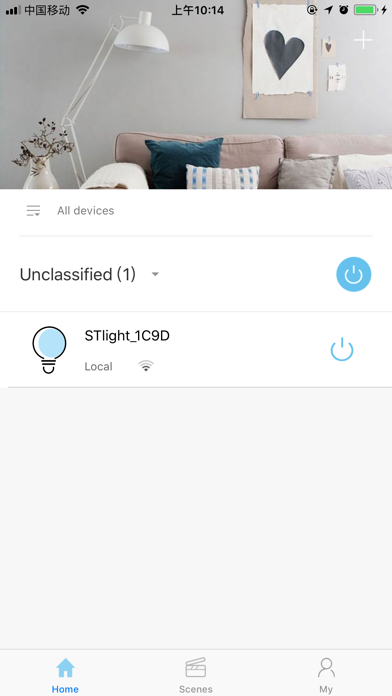
3.With the APP, you can get the devices list controlled by see-time.
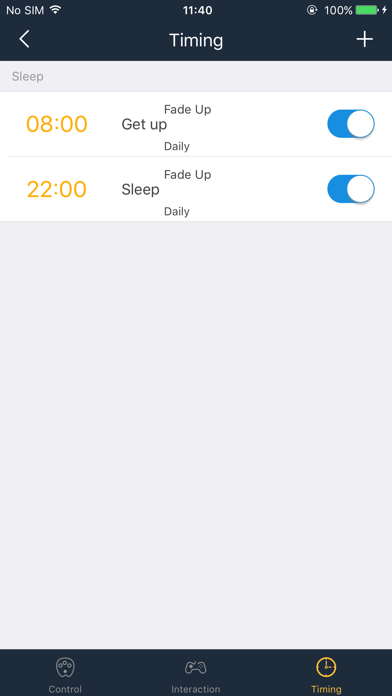
4.You can turn on or turn off the sockets, set up timers and set the permission with local WiFi network.
5.You can control see-time sockets from a long distance with 2G/3G/4G.
6.By setting up scenes, you can control several devices at one time.
7.You can check the electricity statistics with the APP.
8.You can save and restore data by “ backing up and restoring”