
iPhone Screenshots
Description
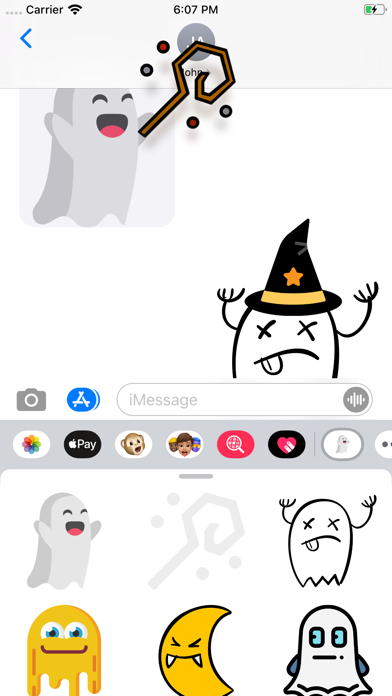
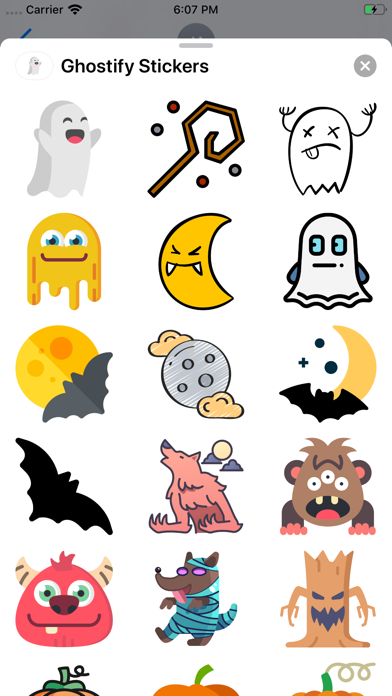
Use Halloween-themed in iMessage conversations. Add to messages by tapping the sticker icon. Customize sticker packs with seasonal designs. Share with contacts via iMessage.
Having fun chatting with your friends with one of these Halloween stickers!
How to find this app in iMessage?
- Open iMessage and click into one of your conversations.
- If there're no apps showing at the bottom, click the App Store icon at the right of the camera button.
- Find the little ghost in the drawer. If the ghost is not there, he / she might be hiding inside... To summon him / her, scroll to the right and find a more button.
- Click that more button, and then click Edit at the top right.
- Find Ghostify Stickers, turn on the switch at the right, and click the plus icon at the left side.
How to remove this app?
- Open iMessage and click into one of your conversations.
- If there're no apps showing at the bottom, click the App Store icon at the right of the camera button.
- Click that more button with three dots. (If you don't see it, try scrolling)
- Find the Ghostify Stickers
- Slide that app from right to left
- Click "Delete"