
Golf Trainer by EyesOn
Track head movement during swings
John Carney
iPhone Screenshots


Description
Track head movement during swings using phone camera. Select color or shape targets. Place phone 5 inches behind ball. Capture motion data to analyze form and improve technique. Sync with to review performance metrics and adjust practice sessions.
Introducing EyesOn: Today, with the help of technology, we can train ourselves to keep our head still or quite during our golf swing. While practicing on the range, chipping, and/or putting, we can improve our golf game with the use of a cell phone and the EyesOn App.
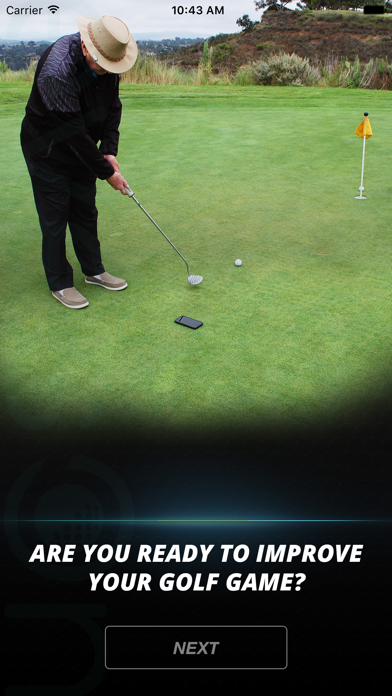
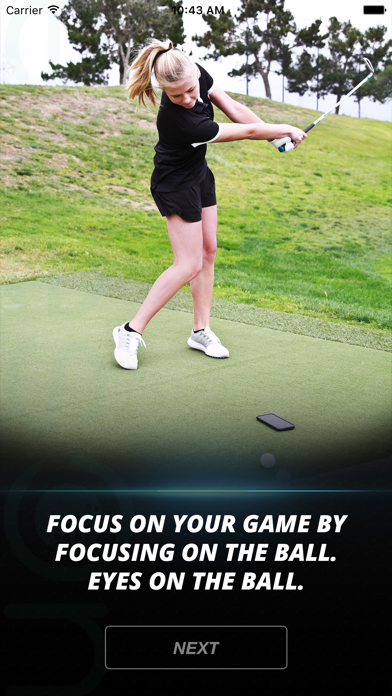
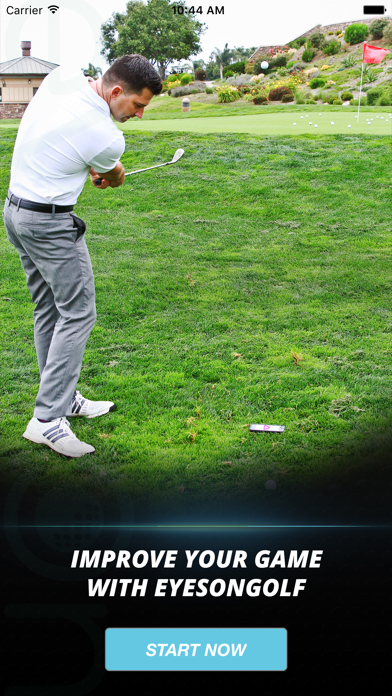
How to: Simply click on your EyesOn App, choose the selection of colors or shapes, and then place your cell phone about 5 inches on the far side of your golf ball. Next, just conduct your golf shot/chip/putt. As your club makes contact with the ball, the EyesOn App will flash a color or shape within a split second after contact. Your job is to recognize the color or shape before you allow your head and eyes to follow the flight of your golf ball. If you did not see the color or shape, your head and eyes came up to quickly…therefore, not a still or quiet head. After your golf ball has finished its flight, you can now look back down at your cell phone and the EyesOn App will confirm the color or shape that flashed. This confirmation prevents guessing.
The EyesOn App is a great training tool for every golfer. Adopt a still and quite head and experience better ball contact, more consistent shots, and lower scores.